How to Collab with a Streamer Using Another Cloud Server
This guide shows how to collab with another streamer who uses another Cloud Server, such as AntiScuff, IRLToolkit, or IRLHosting.
Here are 14 days free to switch servers. Use this code for 14 days free while you move to Streamable. Code: STREAMABLE-SWITCH-SERVERS-14-DAYS
Welcome! This guide shows how to collab with another streamer who uses another Cloud Server, such as AntiScuff, IRLToolkit, or IRLHosting. We make this extremely easy, and you can do it by either having them add Streamable as a destination, or by adding their cloud server as a destination yourself.
Method 1: Have them add Streamable as a Destination
Step 1:Send your ingest details to your friend.
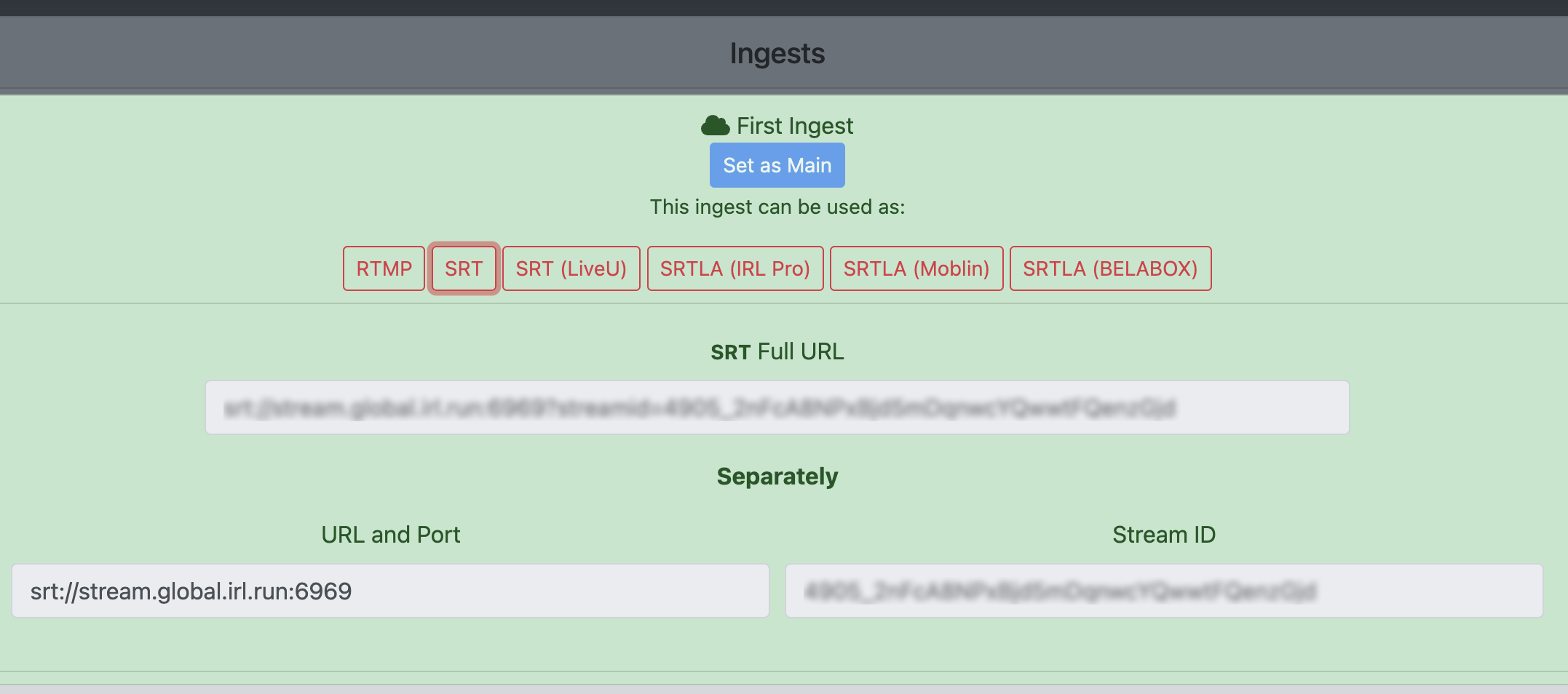
On the Ingests page at https://streamable.run/ingests, select your ingest and open the Other Cloud Servers (SRT) section.
Send the URL with Port, Stream ID, and latency details to your friend.
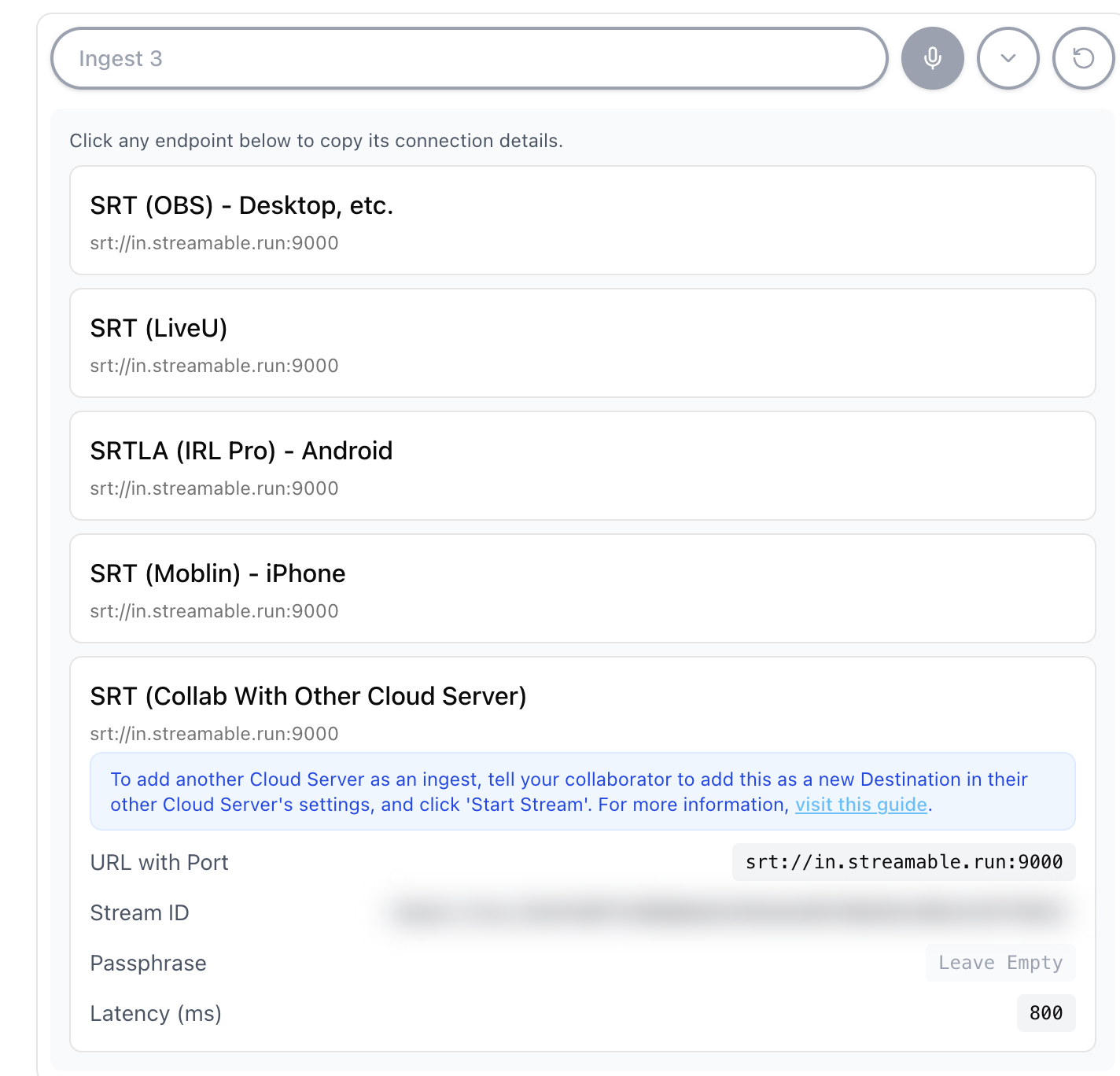
Step 2:Have your friend add a new destination in their settings.
On your friend's cloud server settings, create a new Destination -> Custom SRT Destination.
Paste the details from Step 1 into that new Destination.
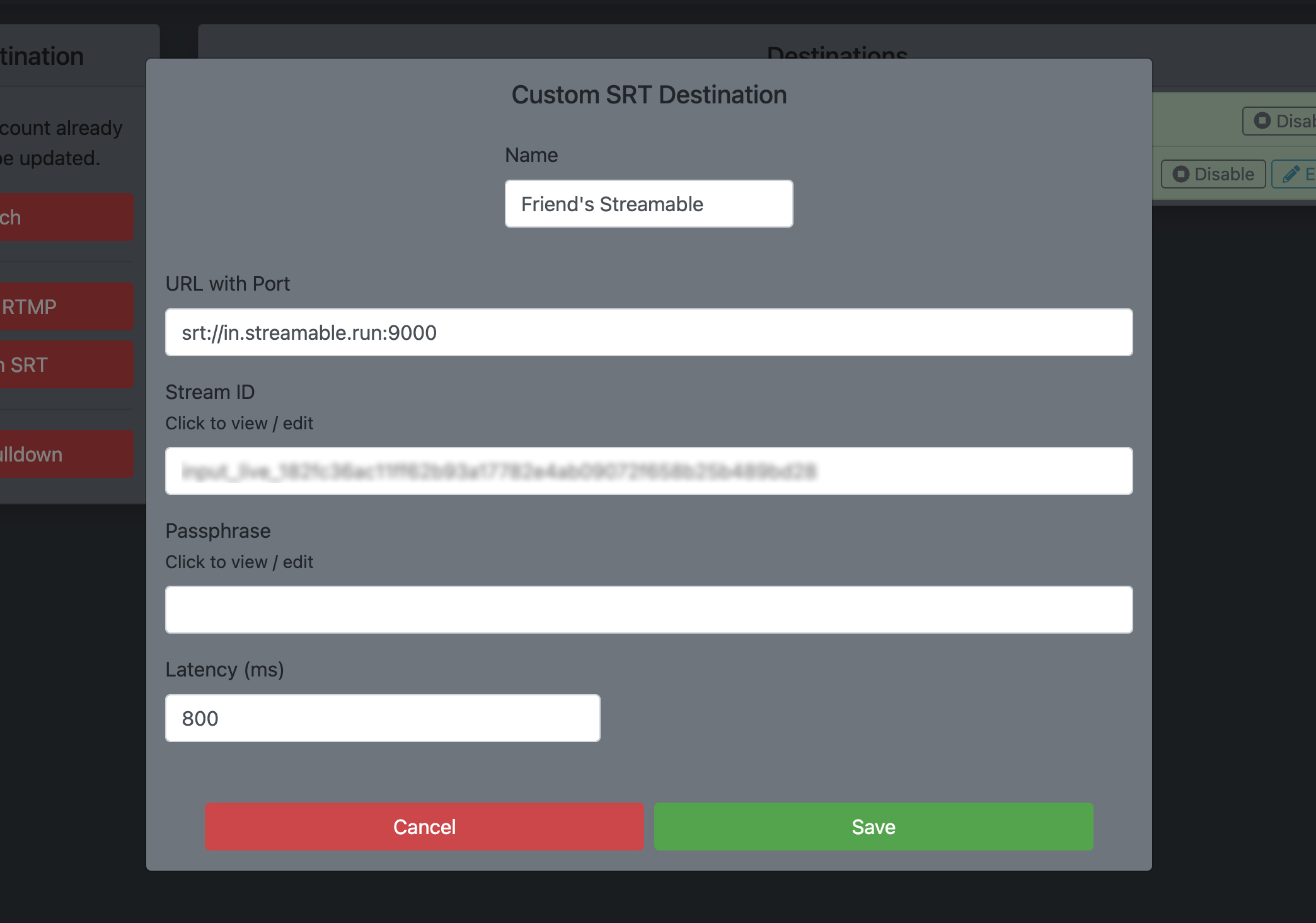
Step 3:Happy streaming!
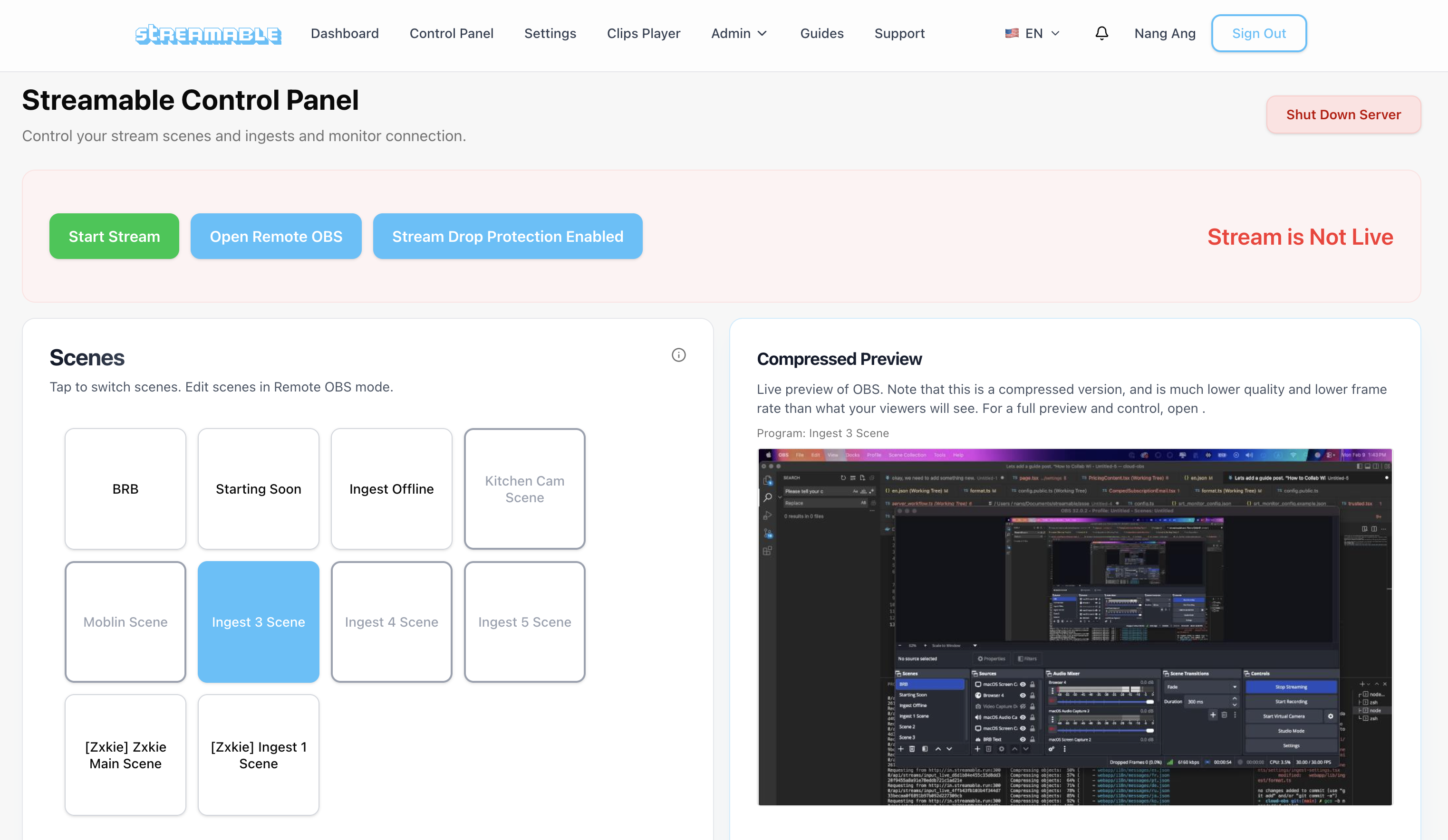
When your friend starts streaming from their Cloud Server, their video data will show in that ingest scene in your Streamable! Simply switch to that scene and your viewers will see it.
Method 2: Add your friend's server as a Destination
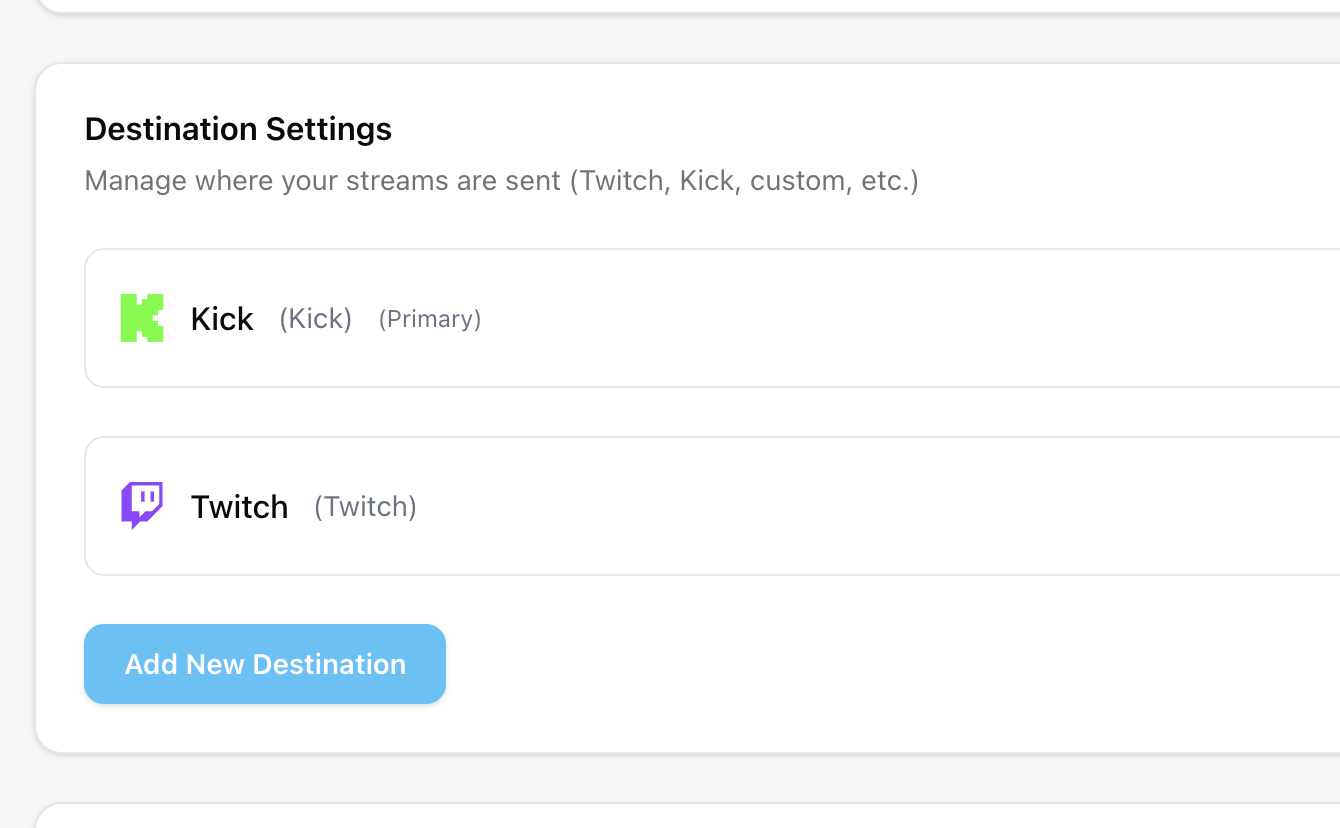
Step 1:Open the Destinations page in Streamable.
In Streamable, go to the Destinations page at https://streamable.run/destinations. Click "Add New Destination".
Step 2:Get your friend's ingest details.
Ask your friend for their server's ingest details.
Step 3:Create a Custom destination.
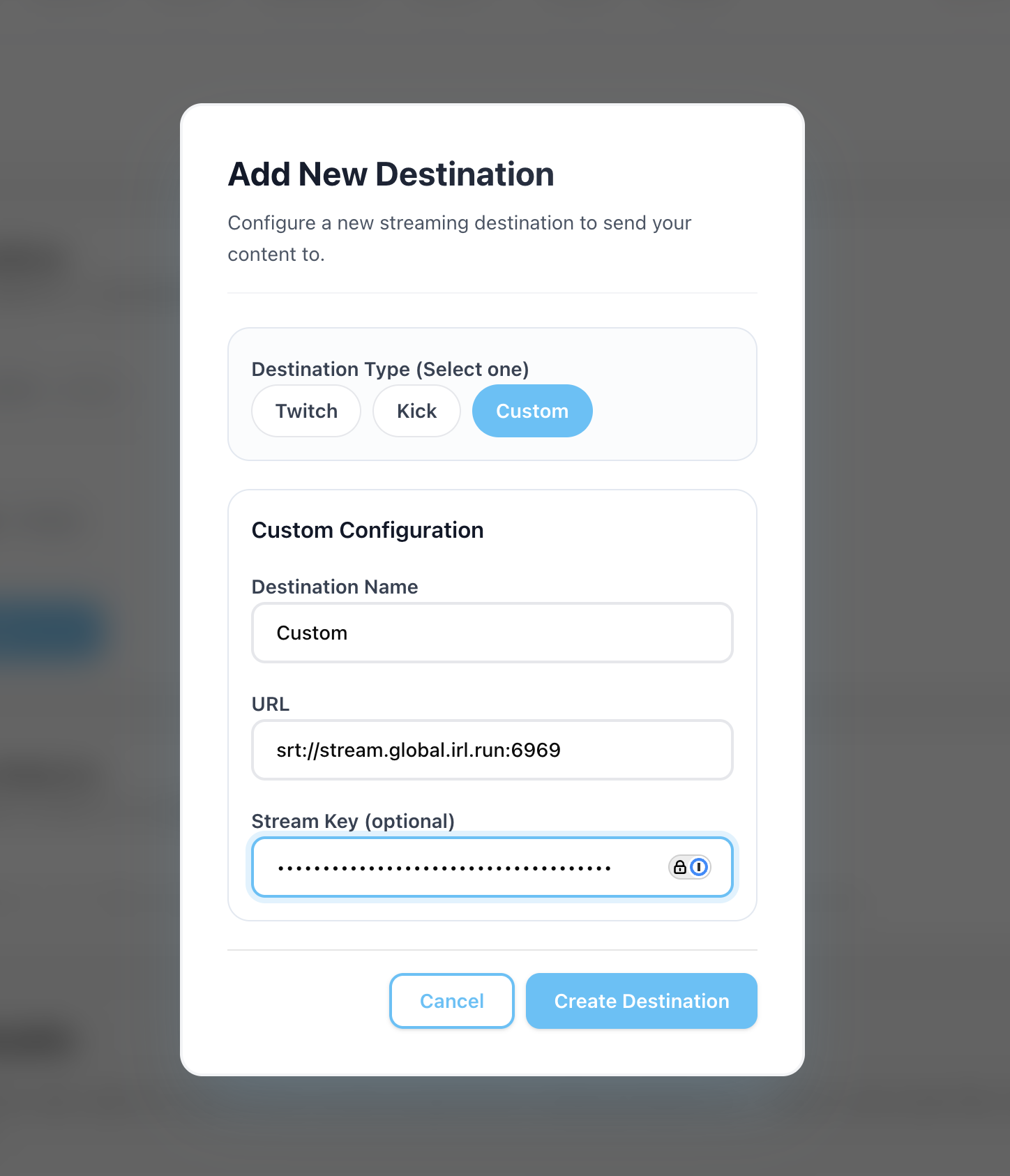
On the Destinations page, select "Custom", paste your friend's details into here, and press "Create Destination".
Step 4:Happy streaming!
Now, your Streamable output will go to their cloud server's ingest.