Blog
Phone Overheating While Streaming? Fix the IRL Setup, Not Just the Phone
Practical ways to stop iPhone and Android overheating during IRL streams: bitrate, brightness, charging, cases, camera settings, SRTLA, and Cloud Hosted OBS.
Written by Nang Ang
Heat is a streaming problem
When a phone overheats, the stream usually gets blamed on the app, the carrier, or the platform. Sometimes that is fair. But most heat problems are a pile-up: high brightness, high bitrate, charging, direct sun, case insulation, 1080p60, screen recording, overlays, and weak signal all at once.
The fix is to reduce the phone's job. Let the phone be the camera and sender. Let Cloud Hosted OBS handle the production layer.
Lower the work before lowering expectations
Do not wait for a thermal warning. If the phone is warm before the stream starts, your settings are too ambitious for the environment.
- Use 720p before 1080p on hot days.
- Use 30 fps when the route is mostly talking or scenery.
- Lower bitrate before the app starts dropping frames.
- Turn screen brightness down after framing is set.
- Remove thick cases during long streams.
- Keep the phone out of direct sun when possible.
Charging can make heat worse
Charging while encoding video is normal for long IRL streams, but it adds heat. A phone in direct sun, charging from a fast battery pack, running 1080p60, and fighting weak signal is doing too much.
Use a battery pack that keeps the phone alive without cooking it. If the phone is already hot, switch scenes, lower settings, and let it cool before pushing harder.
Watch the weak-signal heat trap
Phones often work harder when the signal is bad. That means a dead zone can hurt twice: the video path gets worse and the device heats up while trying to maintain connection.
If the same area always heats the phone and breaks upload, treat it as a route problem. Use a lower bitrate before entering it, or plan a BRB segment.
Use Cloud Hosted OBS to move work off the phone
If the phone is also handling overlays, complex scenes, multi-output, and constant app switching, it has less thermal room for video. Streamable lets the cloud server own scenes, overlays, clips, and destinations while the phone sends the camera feed.
That separation is not just cleaner. It is easier on the phone.
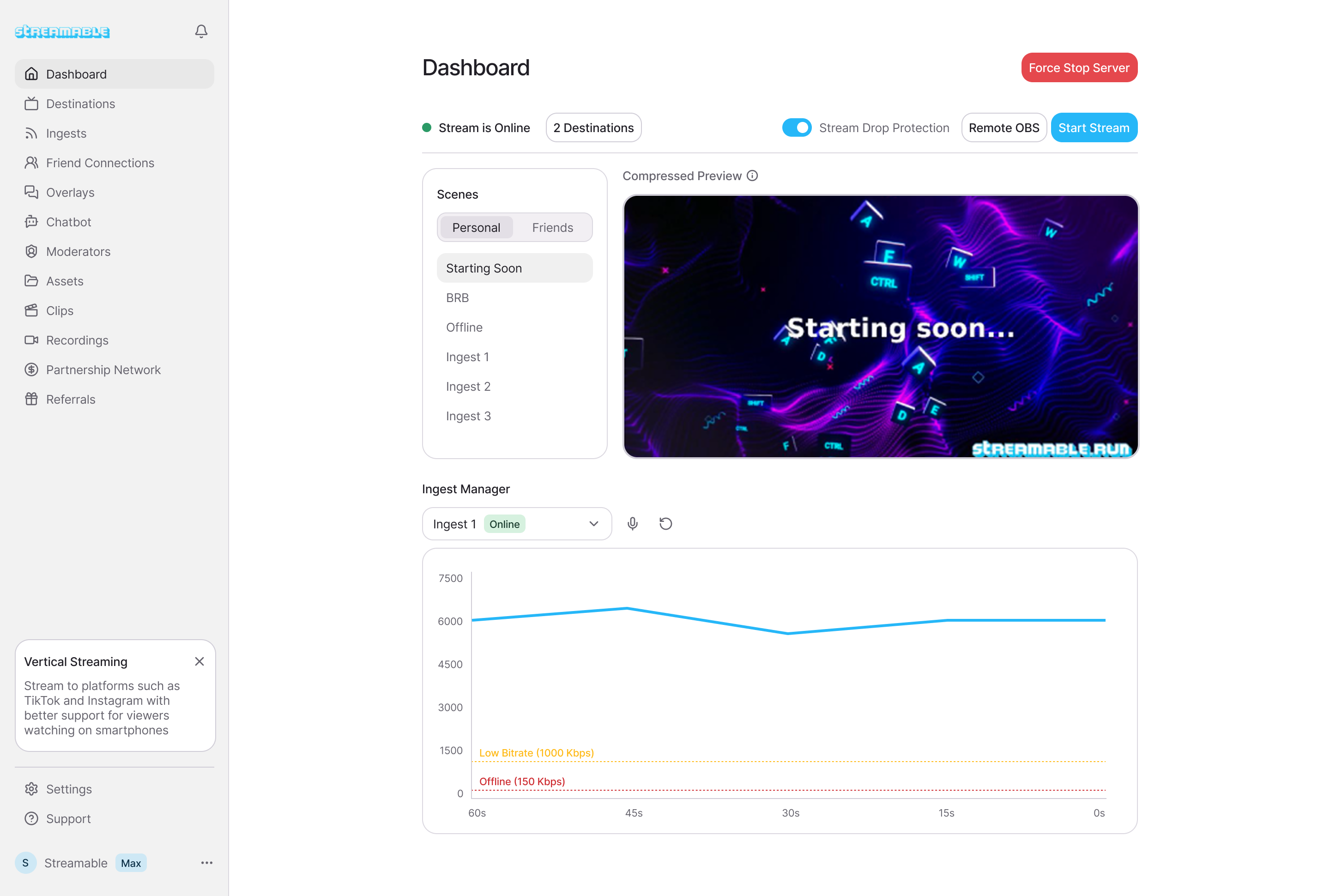
Are you an IRL streamer? Give Streamable a try!
Let Streamable help you never IRL stream with issues again! Here's how we can help:
- Premium Cloud Streaming Servers
- 100% Stream Drop Protection with Clips Player
- Multiple Ingests, Switch scenes without pausing stream
- Collaborative Streaming / Share Ingests with Friend Requests
- Remote Control OBS
- DDoS protection
- much, much more!
Follow us on Social Media
Follow along for updates and tips:



Optional: Deep-Dive FAQ
Open only if you still need extra troubleshooting context.
Why does my phone overheat while live streaming?
Live streaming combines camera capture, video encoding, network upload, screen brightness, and often charging. Heat gets worse with high bitrate, 1080p60, weak signal, and direct sun.
Should I lower resolution or bitrate first?
Lower bitrate first if the network is unstable. Lower resolution or frame rate if the phone is hot or dropping frames.
Does Cloud Hosted OBS help with phone heat?
It can. The phone still captures and sends video, but the cloud server can handle scenes, overlays, destinations, and fallback behavior.