Blog
Best Phone Settings for IRL Streaming
Set up your iPhone or Android for a more reliable IRL stream: resolution, frame rate, bitrate, focus, exposure, audio, brightness, battery, and mobile ingest.
Written by Brenton Nguyen
Use settings you can survive
The best phone settings are not the most impressive settings in the menu. They are the settings that let the phone stay cool, hold upload, keep audio clear, and recover when the route gets ugly.
Start conservative. A stable stream gives you room to improve. An overheated phone gives you nothing.
The baseline I would start with
- Resolution: 720p for walking routes, 1080p only after testing.
- Frame rate: 30 fps for talking/scenery, 60 fps for fast motion.
- Bitrate: 3,000 to 4,500 Kbps for most first IRL tests.
- Codec: H.264 for compatibility unless your workflow clearly supports something else.
- Keyframe interval: follow the destination or app recommendation.
- Brightness: as low as practical once framing is set.
- Audio: wired or low-latency wireless before Bluetooth.
Lock what should not hunt
Autofocus and auto exposure are useful, but they can hunt in low light, reflective windows, crowds, and fast scene changes. If your app supports focus or exposure controls, learn them before a serious stream.
For walking streams, a little exposure stability can make the stream feel much more professional.
Keep the phone focused on video
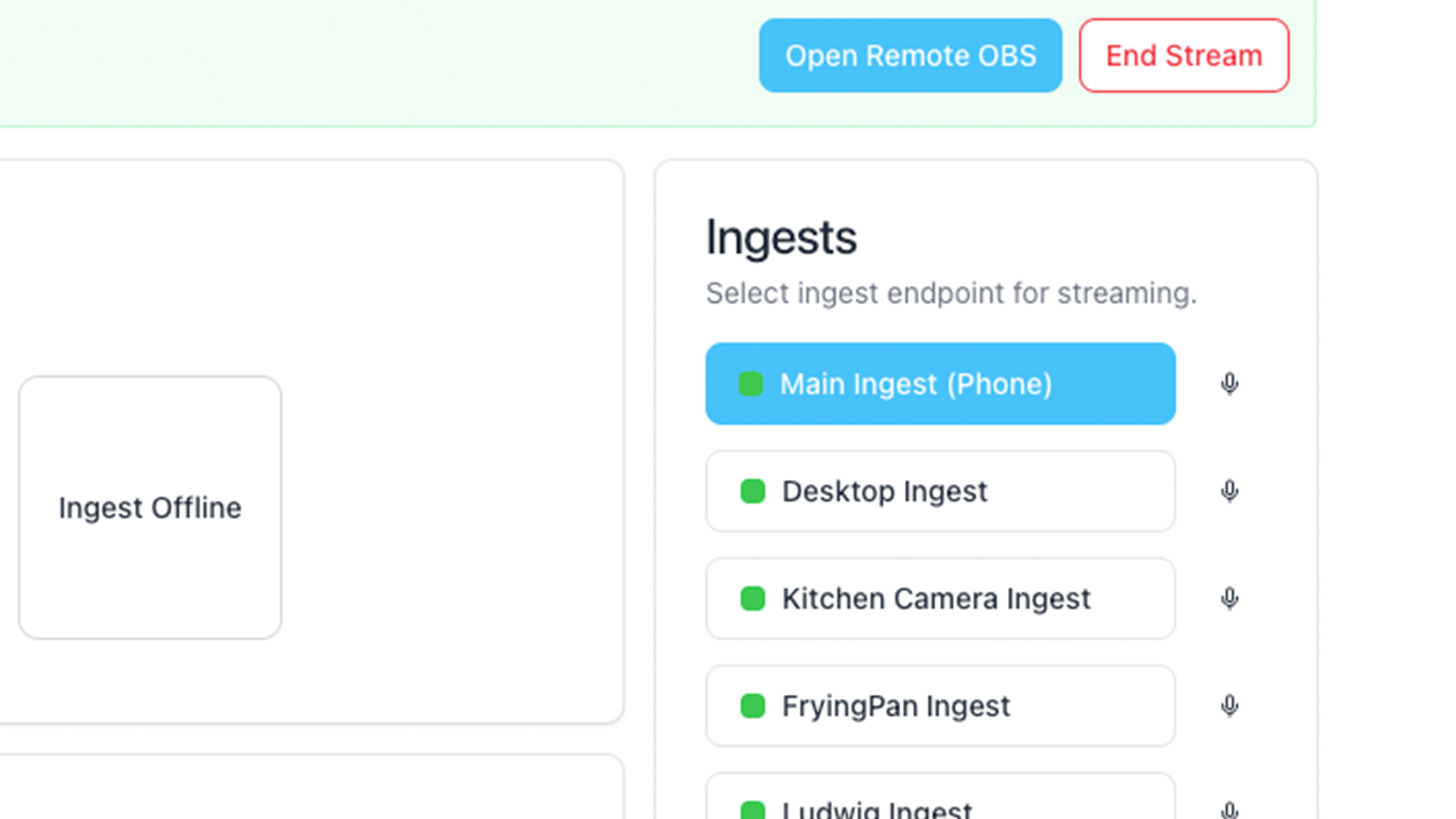
Do not make the phone run the whole production if you can avoid it. Send the camera feed to Streamable, then put overlays, scenes, chat, clips, and destinations in Cloud Hosted OBS.
That keeps the phone's job simple: camera, mic, encoder, upload.
Test the phone like a stream, not like a camera
Walk for fifteen minutes with the exact charger, case, mic, bitrate, and app you plan to use. Watch heat, upload, audio, and battery. A phone that works for a two-minute preview may fail after a real walk.
IRL settings are earned by testing.
Are you an IRL streamer? Give Streamable a try!
Let Streamable help you never IRL stream with issues again! Here's how we can help:
- Premium Cloud Streaming Servers
- 100% Stream Drop Protection with Clips Player
- Multiple Ingests, Switch scenes without pausing stream
- Collaborative Streaming / Share Ingests with Friend Requests
- Remote Control OBS
- DDoS protection
- much, much more!
Follow us on Social Media
Follow along for updates and tips:



Optional: Deep-Dive FAQ
Open only if you still need extra troubleshooting context.
What resolution should I use on my phone for IRL streaming?
Start with 720p for moving IRL streams. Move to 1080p only when upload and phone temperature are stable.
Should I stream at 30 fps or 60 fps?
Use 30 fps for talking and scenery. Use 60 fps for sports, fast walking, driving, or high-motion content if the phone and upload can handle it.
What is the best phone app for IRL streaming?
On iPhone, Moblin is a strong option. On Android, IRL Pro is common. The best choice depends on your platform, audio gear, and ingest workflow.