Blog
Best Bitrate for IRL Streaming on Twitch, Kick, and YouTube
Choose a practical IRL streaming bitrate for Twitch, Kick, and YouTube without guessing. Covers 720p, 1080p, mobile upload headroom, SRT, SRTLA, RTMP, and Cloud Hosted OBS.
Written by Nang Ang
The honest answer
For most IRL streams, start around 3,000 to 4,500 Kbps for 720p30 or 720p60, then move up only if the route proves it can hold. For a clean 1080p stream, 5,000 to 8,000 Kbps can look good, but it also punishes weak mobile upload faster.
That is the part people skip. The best bitrate is not the highest number your phone accepts. It is the highest number your real route can sustain while the streamer is walking, turning, entering buildings, crossing streets, and heating up the phone.
Why speed tests lie to IRL streamers
A speed test is a short burst. A stream is a long promise. If a speed test says 12 Mbps upload, that does not mean you should stream at 10 Mbps from a moving phone. The test probably happened while the phone was still, cool, and attached to one tower.
Leave headroom. A boring bitrate that survives is better than a beautiful bitrate that dies every time the route gets interesting.
- If upload tests at 5 Mbps, try 2,500 to 3,000 Kbps.
- If upload tests at 8 Mbps, try 3,500 to 4,500 Kbps.
- If upload tests at 15 Mbps and stays stable, 1080p may be realistic.
- If upload jumps around, lower bitrate before lowering your whole production standard.
A simple starting table
Use this as a starting point, not a law. YouTube publishes recommended bitrate ranges for encoder streams, and Twitch/Kick streamers generally run within similar practical bands, but IRL has its own constraint: mobile upload stability.
- 720p30: 2,500 to 3,500 Kbps for difficult routes.
- 720p60: 3,500 to 5,000 Kbps when motion matters.
- 1080p30: 4,500 to 6,500 Kbps when upload is steady.
- 1080p60: 6,000 to 8,000 Kbps only when the route is proven.
- Audio: 128 to 160 Kbps is enough for most creator streams.
Use Cloud Hosted OBS to separate ingest from output
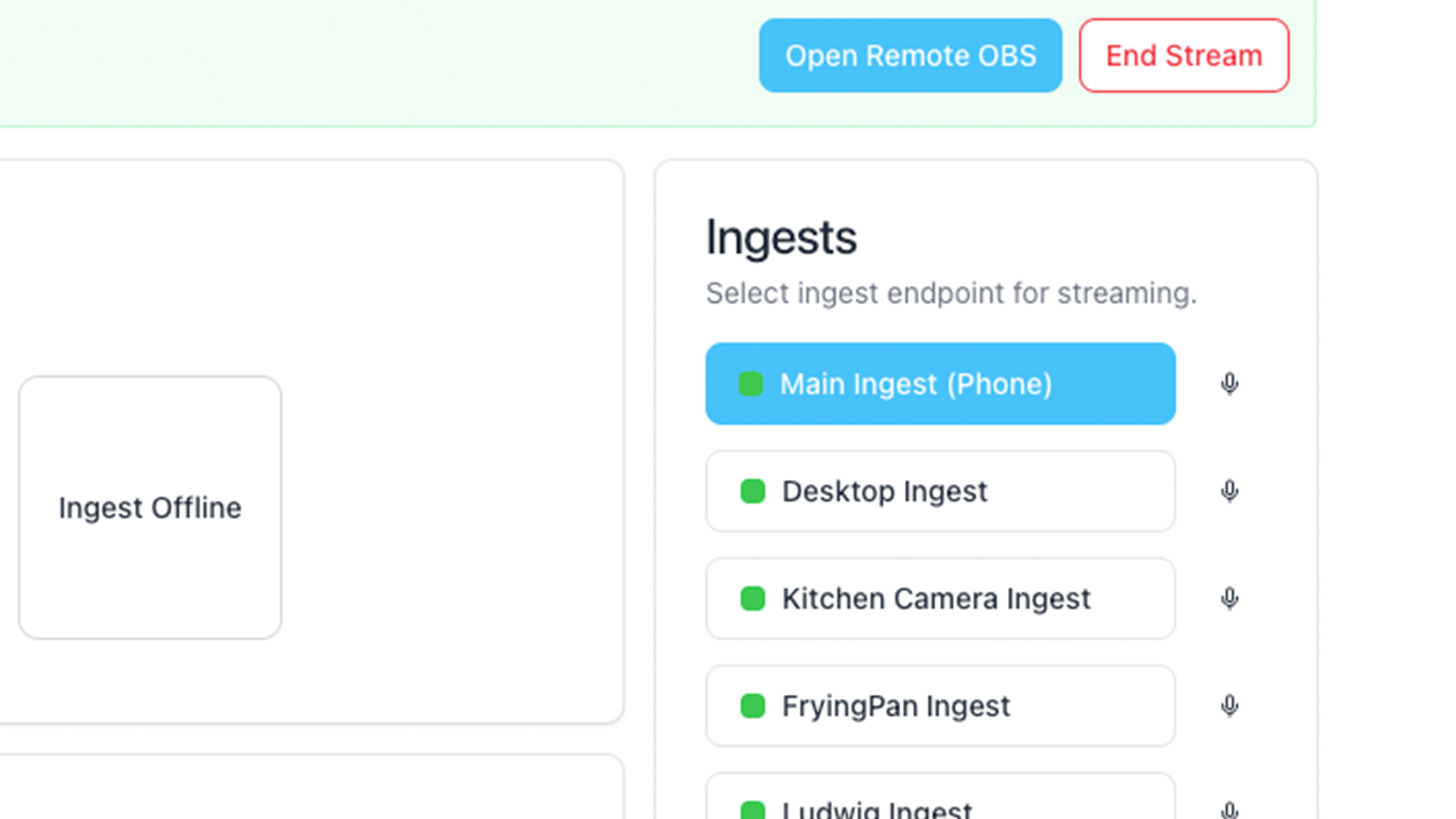
With Streamable, the phone can send one practical ingest to Cloud Hosted OBS, and the cloud server can send the final output to Twitch, Kick, YouTube, or multiple destinations. This matters because the phone should not be responsible for every platform connection while it is also trying to stay connected on mobile data.
Think of the phone bitrate as the field contribution bitrate. Think of the cloud output bitrate as the broadcast bitrate. They may be the same, but they are not the same job.
When to lower bitrate
Lower bitrate when the stream buffers, when the phone gets hot, when SRT statistics show loss, when chat says the picture keeps freezing, or when the same spot on the route always breaks the feed.
Do not wait until the stream dies. A good IRL operator lowers bitrate before the audience has to beg for it.
- Drop from 1080p60 to 720p60 before ending the stream.
- Drop frame rate before the picture becomes unwatchable.
- Use a BRB scene while changing settings if the route is rough.
- Ask a moderator to watch stream health instead of relying on chat panic.
Other resources
YouTube's encoder guide is useful because it explains resolution, frame rate, bitrate, keyframe interval, and stream health testing. OBS's Browser Source guide is useful for overlay sizing after the video path is stable. Haivision's SRT material is useful for understanding why unstable networks need a better contribution path than a simple RTMP-only setup.
Are you an IRL streamer? Give Streamable a try!
Let Streamable help you never IRL stream with issues again! Here's how we can help:
- Premium Cloud Streaming Servers
- 100% Stream Drop Protection with Clips Player
- Multiple Ingests, Switch scenes without pausing stream
- Collaborative Streaming / Share Ingests with Friend Requests
- Remote Control OBS
- DDoS protection
- much, much more!
Follow us on Social Media
Follow along for updates and tips:



Optional: Deep-Dive FAQ
Open only if you still need extra troubleshooting context.
What bitrate should I use for IRL streaming?
Start with 3,000 to 4,500 Kbps for most 720p IRL streams. Use 5,000 to 8,000 Kbps for 1080p only when the route has stable upload and the phone can stay cool.
Is 1080p worth it for IRL streaming?
Sometimes, but not always. A stable 720p stream is usually better than a 1080p stream that buffers or disconnects every few minutes.
Should I use the same bitrate for Twitch, Kick, and YouTube?
Not necessarily. If you use Cloud Hosted OBS, the phone ingest and final platform outputs can be treated as separate links. Tune the mobile ingest for stability first.
Does SRTLA let me use a higher bitrate?
It can make the mobile path more resilient when supported, but it does not erase bad coverage. Keep bitrate realistic even when using SRT or SRTLA.