Blog
720p vs 1080p for IRL Streaming: Pick the One Viewers Will Actually Watch
Decide whether to stream IRL at 720p or 1080p based on motion, mobile upload, platform output, phone heat, overlays, and viewer experience.
Written by Manav Bokinala
The short version
Use 720p when the stream moves, the network is unpredictable, or the phone is already working hard. Use 1080p when the route is stable, the camera is steady, and the upload has enough headroom to make the extra pixels worth it.
Viewers rarely complain that a stable IRL stream is only 720p. They absolutely notice when a 1080p stream freezes, loses audio, or ends because the phone could not hold upload.
720p and 1080p in the real world
720p
1080p
720p
1080p
720p
1080p
720p
1080p
| Question | 720p | 1080p |
|---|---|---|
| Best for | Walking streams, bad coverage, long battery sessions, busy routes. | Stable locations, desk-to-IRL hybrid streams, events with strong upload. |
| Upload pressure | Lower and more forgiving. | Higher and less forgiving. |
| Motion | Often cleaner at the same bitrate because fewer pixels fight for detail. | Can look sharper, but needs more bitrate to avoid mushy motion. |
| Best first test | 720p60 at a stable bitrate. | 1080p30 before trying 1080p60. |
|---|
Why 720p can look better than 1080p
Resolution is not quality by itself. A 1080p stream at too little bitrate can look smeared during motion. IRL streams have motion all the time: walking, panning, autofocus changes, headlights, crowds, trees, signs, and fast scene changes.
At the same bitrate, 720p gives each pixel more room. That can make the actual viewer experience cleaner, especially on mobile devices where many people are watching chat and video together.
When 1080p is worth it
1080p is worth it when the stream is visually detailed and the connection is not the limiting factor. A food event, an outdoor concert, a convention booth, or a mostly stationary city walk may benefit from the extra detail.
If the streamer is in a car, walking through dead zones, or switching between indoor and outdoor signal, use 720p until the route earns 1080p.
- Use 1080p for stable scenes and strong upload.
- Use 720p for long mobile routes.
- Try 1080p30 before 1080p60.
- Watch stream health, not just preview quality.
Let the cloud server protect the show
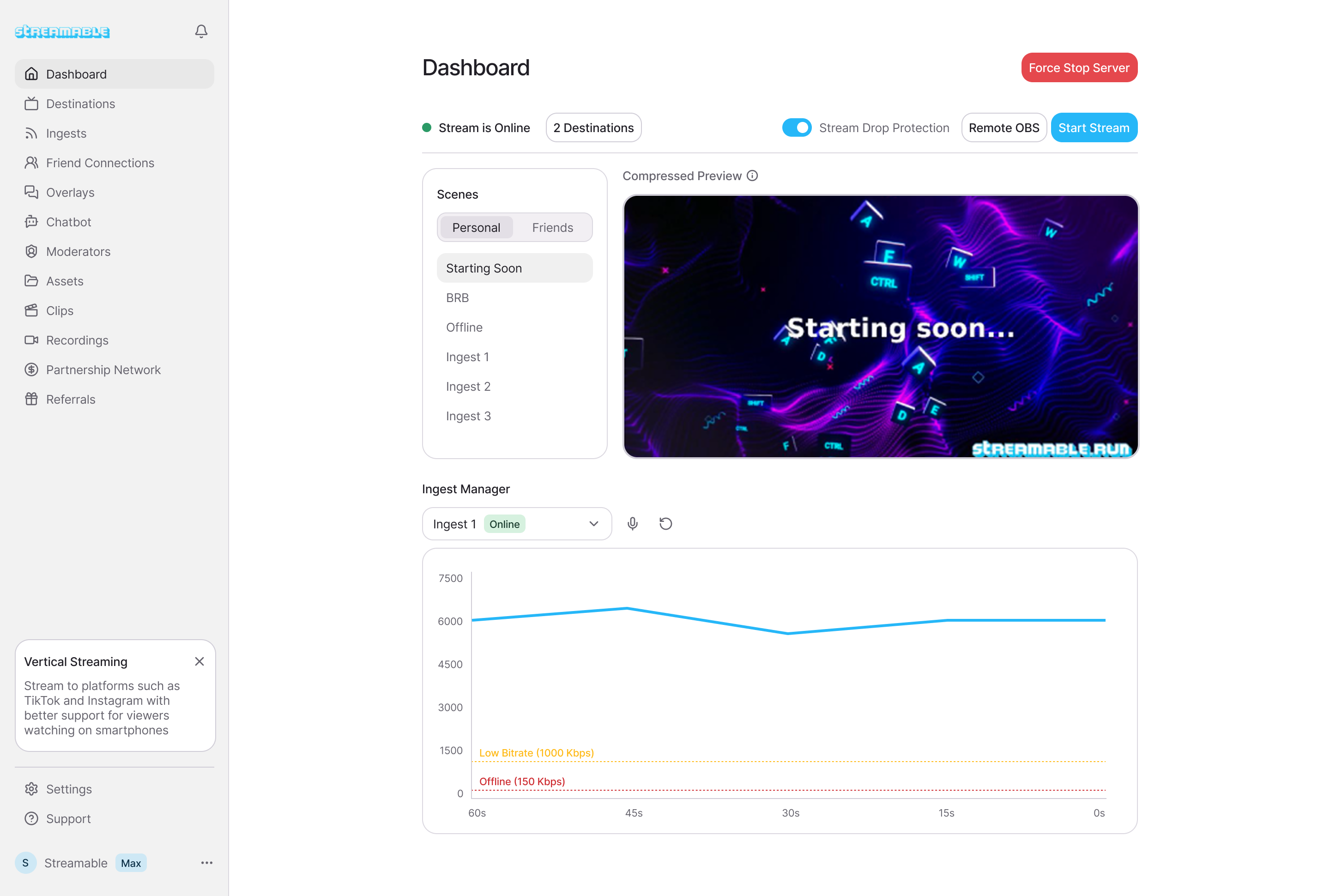
With Streamable Cloud Hosted OBS, the phone can be a source and the cloud server can own the final program. That means you can be conservative with the phone ingest while still building a polished output with scenes, overlays, and fallback screens.
The audience cares about the finished stream. They do not care whether the phone source is using the fanciest possible setting if the final result is smoother.
A practical test
Run the same route twice. First at 720p60 with conservative bitrate. Then at 1080p30 with a higher bitrate. Watch the recording, not just the live preview. Look for freezes, audio drift, ugly motion, and heat warnings.
If the 1080p version looks only slightly better but fails twice as often, the choice is easy.
Are you an IRL streamer? Give Streamable a try!
Let Streamable help you never IRL stream with issues again! Here's how we can help:
- Premium Cloud Streaming Servers
- 100% Stream Drop Protection with Clips Player
- Multiple Ingests, Switch scenes without pausing stream
- Collaborative Streaming / Share Ingests with Friend Requests
- Remote Control OBS
- DDoS protection
- much, much more!
Follow us on Social Media
Follow along for updates and tips:



Optional: Deep-Dive FAQ
Open only if you still need extra troubleshooting context.
Is 720p good enough for IRL streaming?
Yes. For moving IRL streams, a stable 720p stream often gives viewers a better experience than unstable 1080p.
Should I use 1080p60 for Twitch or Kick IRL?
Only if your upload, phone temperature, and route are stable. For most mobile IRL streams, test 720p60 or 1080p30 first.
Does Cloud Hosted OBS make 1080p easier?
It helps by moving final production and platform output to the cloud, but the phone still has to send a stable source. Do not ignore the mobile ingest limit.