Blog
How to Multistream to Twitch, Kick, and YouTube With Cloud OBS
Set up a cleaner multistream workflow with Cloud Hosted OBS so your phone or local OBS sends one source while Streamable handles Twitch, Kick, YouTube, and custom destinations.
Written by Nang Ang
The clean multistream architecture
The cleanest multistream setup is not a phone trying to push three platform outputs. It is one source into a cloud production layer, then the cloud server sends the final program to Twitch, Kick, YouTube, or custom destinations.
That matters for IRL because the field device should have one hard job: send a stable feed. The cloud server can handle the platform fan-out.
Why one source beats three outputs
Every extra destination is another connection, another key, another bitrate expectation, another possible failure, and another dashboard to watch. If you are outside on mobile data, multiplying outputs from the phone is asking for trouble.
With Streamable, connect the phone, local OBS, LiveU, Moblin, IRL Pro, or another ingest once. Then manage destinations from the cloud.
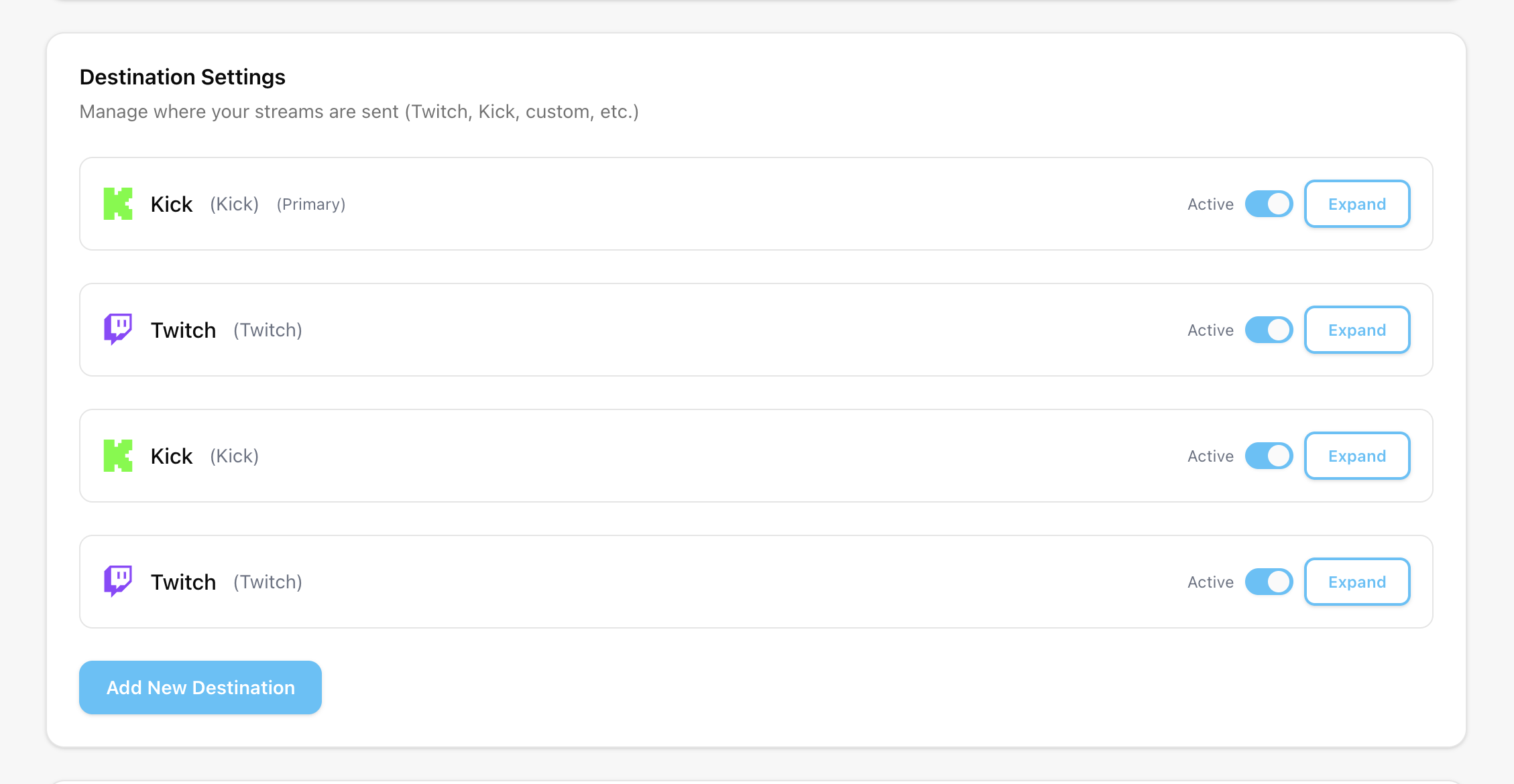
Step 1:Add your source
Start with the source that has the least fragile path. For IRL, that is usually Moblin, IRL Pro, or a hardware encoder into Streamable. For desktop, it may be local OBS into Streamable.
Confirm the cloud server receives the source before adding platform destinations.
Step 2:Add destinations one at a time
Add Twitch first, test it, then Kick, then YouTube. Do not add every destination and go live for the first time during a real show.
YouTube's encoder documentation is especially useful if you are deciding resolution, bitrate, and keyframe settings for that output.
Step 3:Decide how chat works
Multistreaming creates a chat problem. Do you read one platform, combine chat, rotate chat on screen, or keep the stream focused on one main community?
Do not make the streamer mentally moderate three chats while walking. Use overlays and moderators intentionally.
The policy check
Before multistreaming, check each platform's current rules for your account type, monetization status, and content category. Platform rules change, and your channel situation matters.
From a technical standpoint, Cloud Hosted OBS makes multistreaming cleaner. From an account standpoint, you still need to know what you are allowed to do.
Are you an IRL streamer? Give Streamable a try!
Let Streamable help you never IRL stream with issues again! Here's how we can help:
- Premium Cloud Streaming Servers
- 100% Stream Drop Protection with Clips Player
- Multiple Ingests, Switch scenes without pausing stream
- Collaborative Streaming / Share Ingests with Friend Requests
- Remote Control OBS
- DDoS protection
- much, much more!
Follow us on Social Media
Follow along for updates and tips:



Optional: Deep-Dive FAQ
Open only if you still need extra troubleshooting context.
Can I stream to Twitch, Kick, and YouTube at the same time?
Technically yes with a cloud production workflow, but you should check current platform rules for your account and test each destination separately.
Should my phone send to every platform directly?
No. For IRL, it is usually better for the phone to send one stable source to Cloud Hosted OBS and let the cloud server send platform outputs.
How should I handle chat while multistreaming?
Pick a main chat workflow before going live. Use moderators or an overlay instead of forcing the streamer to read every platform at once.