Blog
Remote OBS for Moderators and Teams: Control the Stream Without Remote Desktop Lag
Use Remote OBS with Streamable so moderators, producers, and team members can edit scenes, monitor sources, and help run the stream from anywhere.
Written by Manav Bokinala
Remote desktop is the wrong mental model
Traditional remote desktop tools are built to look at and control another computer. That can work, but it adds lag, awkward resolution issues, and the feeling that every click is traveling through mud.
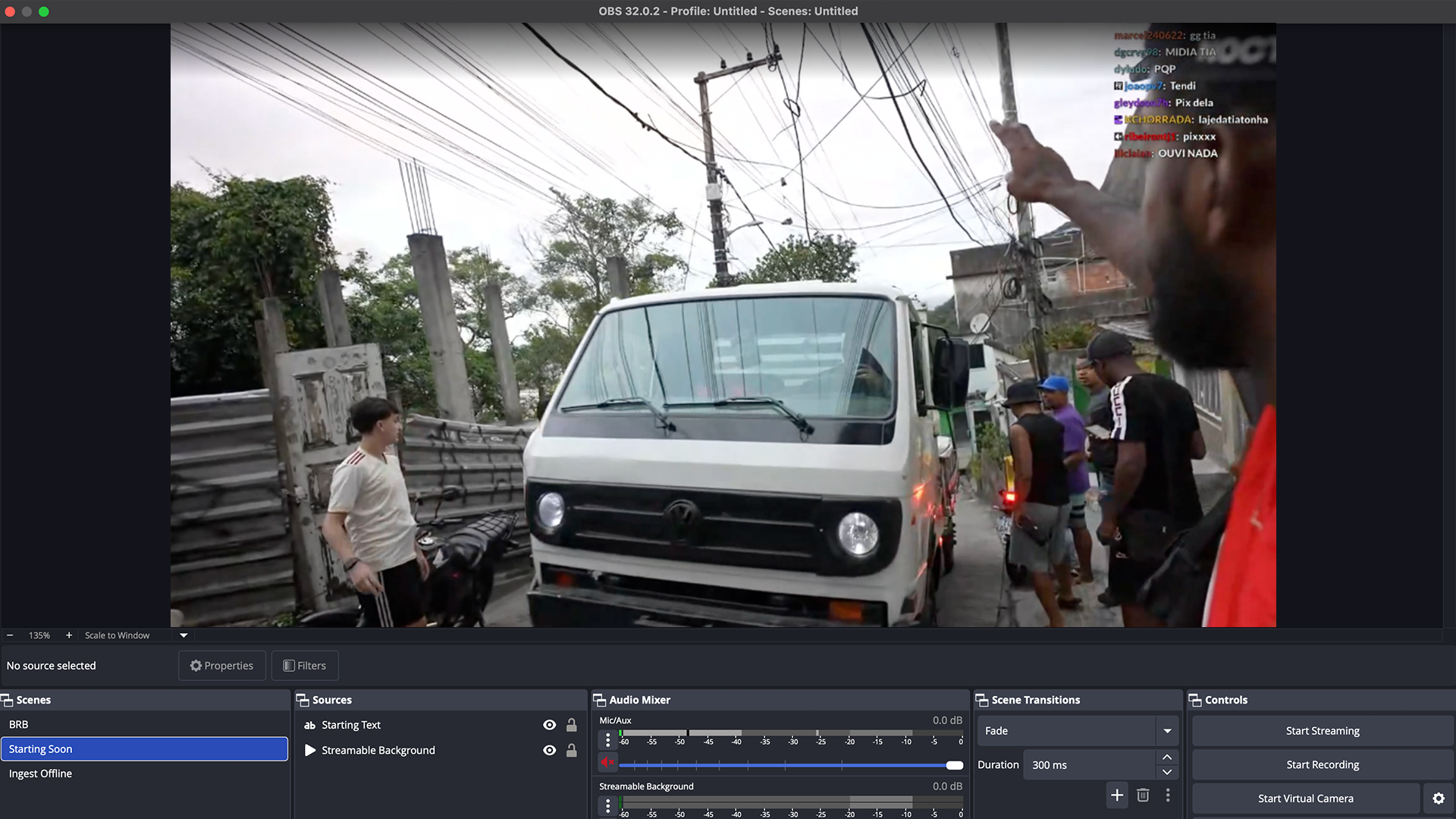
Remote OBS is different: the OBS session is already in the cloud, and the team connects to the production surface. The goal is not to remote-control someone's personal machine. The goal is to run the show from the right place.
What moderators and producers can help with
- Switch from phone scene to BRB when signal drops.
- Check whether a browser source is visible.
- Update a title card or source placement.
- Monitor audio meters and source health.
- Start a clips player during a reconnect.
- Help with desktop-to-IRL transitions.
- Prepare a collab source before it goes live.
Use direct access carefully
OBS access is production access. A trusted helper can save a stream, but a careless helper can reveal private sources, switch to the wrong scene, mute audio, or expose a dashboard.
Give access to people who understand the stream's safety rules, not just people who are active in chat.
Why this matters most for IRL
An IRL streamer is usually holding a phone, moving through public spaces, talking to chat, watching traffic, managing batteries, and trying to make content. They should not also be the only person responsible for OBS.
Remote OBS lets the streamer be talent while a moderator or producer handles production moments.
Make a control-room checklist
Before a serious stream, write down who controls scenes, who watches stream health, who handles chat, who can stop destinations, and who has the final call during a privacy or safety issue.
Remote production works best when roles are clear before something goes wrong.
Are you an IRL streamer? Give Streamable a try!
Let Streamable help you never IRL stream with issues again! Here's how we can help:
- Premium Cloud Streaming Servers
- 100% Stream Drop Protection with Clips Player
- Multiple Ingests, Switch scenes without pausing stream
- Collaborative Streaming / Share Ingests with Friend Requests
- Remote Control OBS
- DDoS protection
- much, much more!
Follow us on Social Media
Follow along for updates and tips:



Optional: Deep-Dive FAQ
Open only if you still need extra troubleshooting context.
What is Remote OBS?
Remote OBS is direct access to a cloud-hosted OBS production session, so trusted helpers can edit scenes and monitor the stream without remote-controlling a personal desktop.
Is Remote OBS better than remote desktop?
For cloud production, yes. It avoids the remote-desktop workflow and lets the team work directly against the hosted OBS session.
Should moderators get Remote OBS access?
Only trusted production helpers should get OBS access. Chat moderation and production control are different responsibilities.