Blog
OBS WebSocket Remote Control for Streamers: Scenes, Sources, and Safety
Understand OBS WebSocket remote control, why passwords matter, and how streamers can use remote scene control with Streamable and Cloud Hosted OBS.
Written by Nang Ang
Remote control is powerful, so treat it seriously
OBS includes WebSocket support by default in OBS Studio 28 and newer. That is great for automation, stream decks, mobile controls, producer panels, and scene switching. It also means you should care about who can control it.
OBS recommends keeping WebSocket protected with a password. Do that. Remote control without access control is not a convenience feature; it is a risk.
What remote control is good for
- Switching scenes while the streamer is away from the computer.
- Muting or unmuting sources.
- Starting a fallback scene during an IRL reconnect.
- Checking current scene and streaming state.
- Letting a producer run the show without sharing a full desktop.
What not to expose casually
Do not hand OBS control to every moderator. Scene switching can reveal private sources. Source visibility can expose windows. Audio controls can ruin the broadcast. Streaming controls can end the show.
Give remote production access to trusted people, and separate chat moderation from production control when possible.
How Streamable changes the workflow
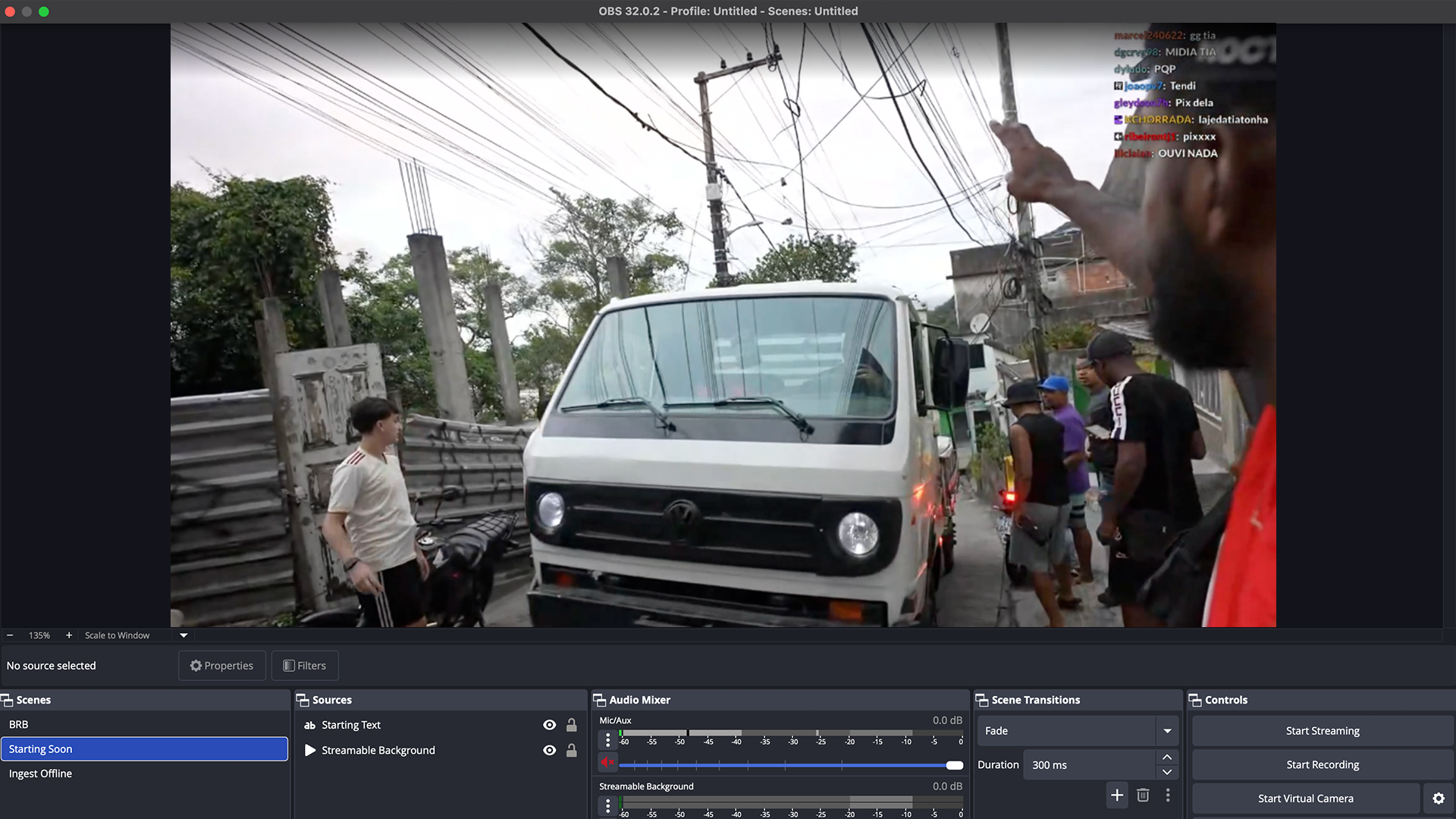
With Streamable Cloud Hosted OBS, remote control is not a hack around a home desktop. It is part of the production model. The cloud server is already remote, so the streamer, moderator, or producer can operate the broadcast from the right place.
For IRL, that means the person walking can stay focused on the camera while someone else handles scenes, fallback, and source checks.
A safe access rule
Only give a person the controls you would be comfortable with them using while you are distracted. If a mistaken click could expose private information or end the stream, that control needs a smaller permission boundary or a more trusted operator.
Are you an IRL streamer? Give Streamable a try!
Let Streamable help you never IRL stream with issues again! Here's how we can help:
- Premium Cloud Streaming Servers
- 100% Stream Drop Protection with Clips Player
- Multiple Ingests, Switch scenes without pausing stream
- Collaborative Streaming / Share Ingests with Friend Requests
- Remote Control OBS
- DDoS protection
- much, much more!
Follow us on Social Media
Follow along for updates and tips:



Optional: Deep-Dive FAQ
Open only if you still need extra troubleshooting context.
Does OBS include WebSocket by default?
Yes. OBS Studio 28 and newer include WebSocket support by default, so separate obs-websocket installation is usually not needed for current OBS versions.
Should OBS WebSocket have a password?
Yes. OBS recommends protecting WebSocket with a password to prevent unauthorized control.
Can a remote producer switch scenes in Streamable?
Yes, Streamable is built around remote cloud production workflows, so trusted helpers can assist without the streamer running everything locally.