Blog
Premium Streaming Servers for IRL Streaming: What They Actually Do
Learn why dedicated premium streaming servers matter for IRL creators, Cloud Hosted OBS, fast setup, reliability, stream isolation, and smoother Twitch, Kick, and YouTube workflows.
Written by Brenton Nguyen
A streaming server is the place your show lives
When people hear 'server,' they often think of a generic box in a data center. For a streamer, the server is more personal than that. It is where your OBS session, scenes, overlays, ingests, clips, and outgoing platform connections come together.
If that layer is slow to start, overloaded, or affected by someone else's usage, your stream feels unreliable before the content even begins. A premium streaming server should be isolated, predictable, and fast enough to get you live without a long setup ritual.
Why dedicated capacity matters
A shared, noisy server is the last thing an IRL creator wants. IRL streams are already fighting mobile signal, phone heat, route changes, and platform quirks. The cloud production layer should reduce chaos, not add more of it.
Dedicated server capacity means your stream is not competing with another creator's CPU spike, browser source crash, or destination problem. That isolation is boring in the best way: if something breaks, the debugging path is clearer.
- Your OBS session has predictable resources.
- Other users cannot crowd the same running server.
- Scene switching and overlays feel more consistent.
- Troubleshooting is easier because fewer variables are shared.
Fast startup matters more than people admit
Creators often plan streams around momentum. You see something worth streaming, your phone is ready, chat is waiting, and every extra minute of setup kills energy. A cloud server that comes up quickly changes the habit from 'I need to schedule a whole production' to 'I can go live now.'
That does not mean you should skip testing. It means the infrastructure should not be the slow part of the routine.
What to test on any premium streaming server
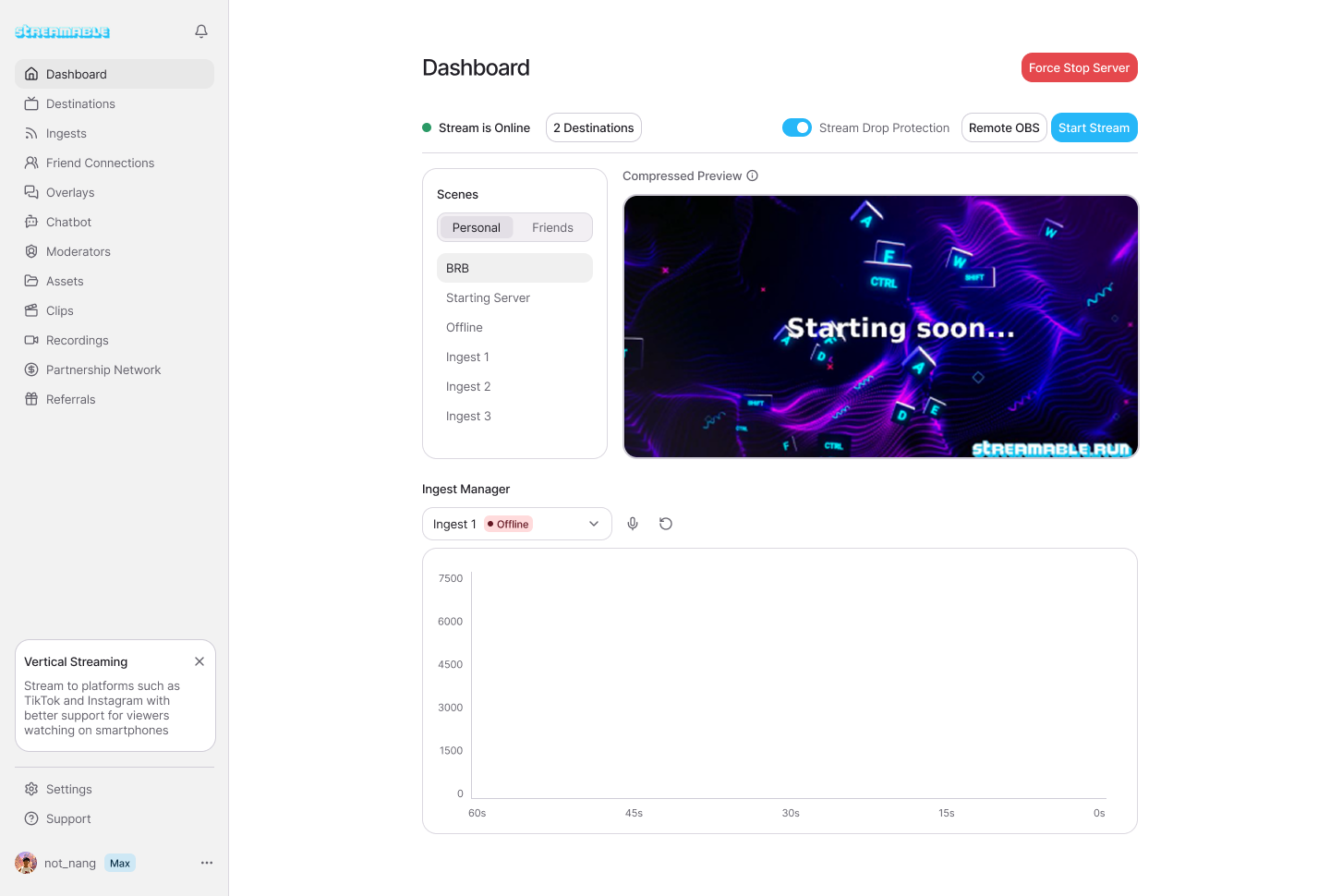
Do not judge a streaming server by the dashboard alone. Test the actual show path: source into cloud, cloud into destination, overlays, clips, fallback scene, and remote control.
- Start the server and time how long it takes before OBS is usable.
- Connect a phone or local OBS source and watch preview stability.
- Switch between a camera scene, BRB scene, and clips scene.
- Send output to Twitch, Kick, or YouTube and verify from a viewer account.
- Let a moderator or producer open the remote control surface.
Why this is different from local OBS
Local OBS is still excellent when you are at a desk and your home setup is stable. The difference is ownership of the final broadcast. With local OBS, your computer, home internet, and operating system are part of the failure path.
With Streamable Cloud Hosted OBS, the final production lives in the cloud. Your phone, local OBS, or other encoder becomes an ingest source instead of the whole show.
Are you an IRL streamer? Give Streamable a try!
Let Streamable help you never IRL stream with issues again! Here's how we can help:
- Premium Cloud Streaming Servers
- 100% Stream Drop Protection with Clips Player
- Multiple Ingests, Switch scenes without pausing stream
- Collaborative Streaming / Share Ingests with Friend Requests
- Remote Control OBS
- DDoS protection
- much, much more!
Follow us on Social Media
Follow along for updates and tips:



Optional: Deep-Dive FAQ
Open only if you still need extra troubleshooting context.
What is a premium streaming server?
A premium streaming server is a dedicated cloud production environment for your stream. It runs the broadcast layer, scenes, overlays, ingests, and destinations without sharing that running server with other creators.
Why does server isolation matter for streamers?
Isolation keeps another user's workload from affecting your live stream. That makes performance more predictable and troubleshooting cleaner.
Do I still need local OBS if I use Cloud Hosted OBS?
Not always. Local OBS can still be used as an ingest source, but the final broadcast can live on the cloud server.