Blog
IRL Stream Checklist: What to Test Before You Go Live
A pre-stream checklist for IRL creators using Streamable, Cloud Hosted OBS, Moblin, IRL Pro, SRTLA, Twitch, Kick, YouTube, chat, overlays, and fallback scenes.
Written by Brenton Nguyen
A checklist is cheaper than a ruined first hour
Most IRL problems are not mysterious. The phone was hot. The wrong scene was live. Audio was muted. The stream key was old. Chat overlay was behind the camera source. The route had one dead block everyone forgot about.
A five-minute checklist catches more than a heroic mid-stream debugging session.
Before leaving home
- Charge the phone, battery pack, hotspot, mic receiver, and any camera accessories.
- Open the Streamable dashboard and confirm the cloud server can start.
- Confirm Twitch, Kick, YouTube, or custom destinations are still connected.
- Open Moblin or IRL Pro and confirm the correct ingest is selected.
- Record a 30-second local test so you can hear mic noise before the live stream.
- Pack a short cable, a long cable, and the adapter you think you will not need.
Before pressing Go Live
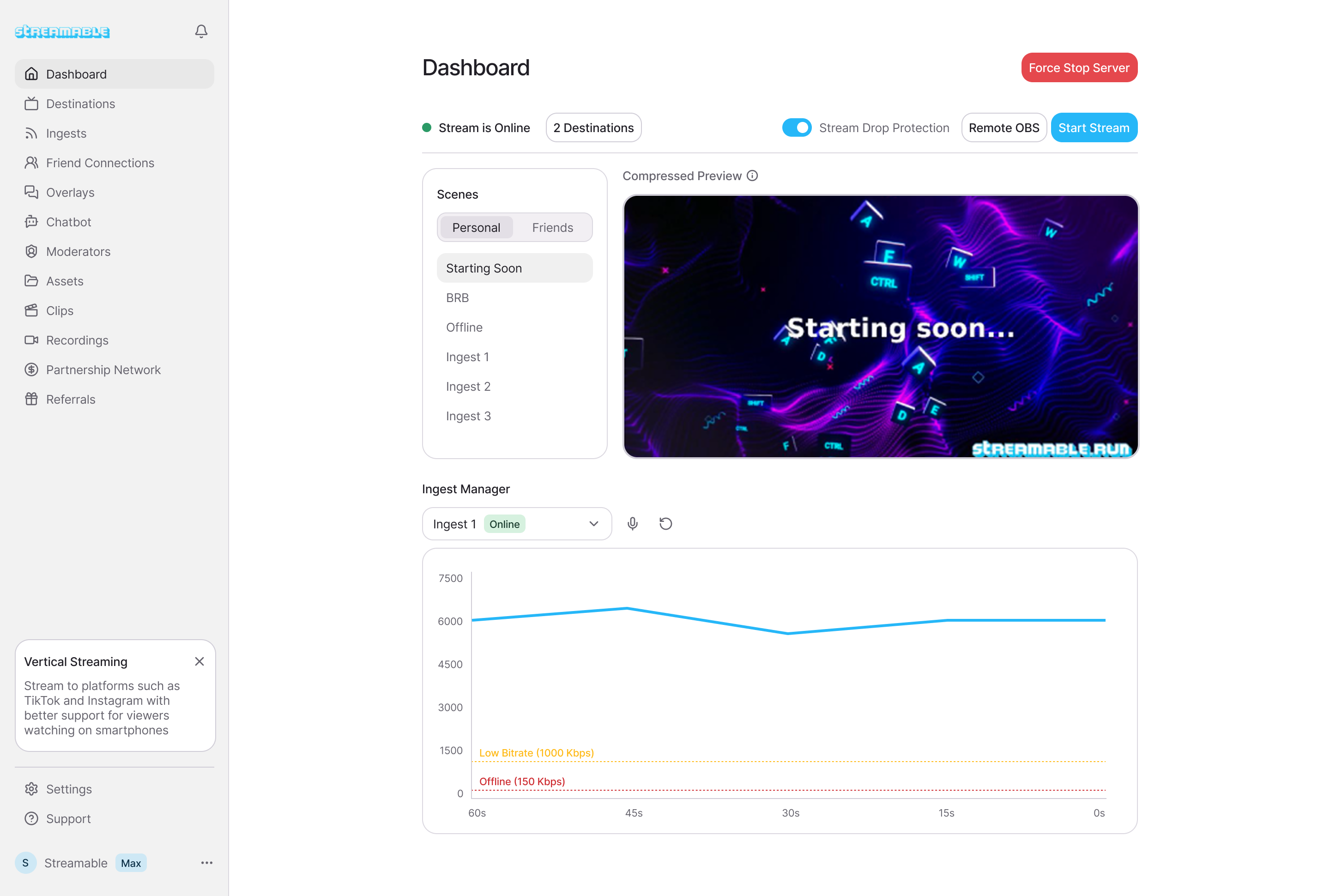
- Start Cloud Hosted OBS first.
- Confirm the phone source appears in the right scene.
- Switch to the BRB or starting scene before opening the platform stream.
- Check audio meters while speaking at normal volume.
- Ask a moderator to confirm the preview from a viewer account.
- Send one test chat message and trigger one overlay if the stream depends on it.
Test failure on purpose
The most important test is the one nobody wants to do. Briefly interrupt the phone feed, switch to the fallback scene, and bring the feed back. You are checking whether the audience stays in the same live session.
If that test fails, fix it before the real route. A fallback scene is not decoration. It is part of the broadcast architecture.
During the first ten minutes
Do not spend the first ten minutes pretending everything is fine. Watch bitrate, audio, heat, chat timing, and platform status. The opening segment is where small problems reveal themselves.
Once the stream is stable, stop staring at the dashboard and do the show.
Are you an IRL streamer? Give Streamable a try!
Let Streamable help you never IRL stream with issues again! Here's how we can help:
- Premium Cloud Streaming Servers
- 100% Stream Drop Protection with Clips Player
- Multiple Ingests, Switch scenes without pausing stream
- Collaborative Streaming / Share Ingests with Friend Requests
- Remote Control OBS
- DDoS protection
- much, much more!
Follow us on Social Media
Follow along for updates and tips:



Optional: Deep-Dive FAQ
Open only if you still need extra troubleshooting context.
What should I test before an IRL stream?
Test cloud server startup, phone ingest, destination output, audio, chat overlay, alerts, fallback scene, and one intentional reconnect.
Should I start OBS or the phone app first?
Start the cloud production layer first, then connect the phone source. That makes it easier to confirm the source lands in the right scene.
Do I need a moderator for the checklist?
You can do it alone, but a moderator makes the viewer-side check much more reliable.