Blog
How to Test Stream Failover Before You Go Live
Run a real failover test for IRL streaming: disconnect the phone source, trigger a BRB scene, reconnect ingest, check platform continuity, and avoid surprise stream endings.
Written by Manav Bokinala
Test the failure you are afraid of
If the stream depends on a phone connection, test what happens when the phone connection disappears. Do not assume the fallback works because the preview looks good.
A failover test should answer one question: can the audience stay in the same live session while the mobile source drops and returns?
Step 1:Start from the real production setup
Use the same Streamable cloud server, same phone app, same scene collection, same destination, same bitrate, and same fallback scene you plan to use live.
A fake test with different settings does not prove much.
Step 2:Go live privately or to a safe test destination
If the platform supports private or unlisted testing, use it. If not, test at a low-traffic time and clearly label the stream as a technical test.
Have one viewer account or moderator watch the public side. The dashboard is not enough.
Step 3:Interrupt the phone feed
Turn off the phone app stream, disable data briefly, walk into a known weak area, or switch the app away if that is the failure you expect. Do not yank cables randomly if you are not prepared to recover them.
Watch whether Cloud Hosted OBS stays live and whether the platform stream stays in the same session.
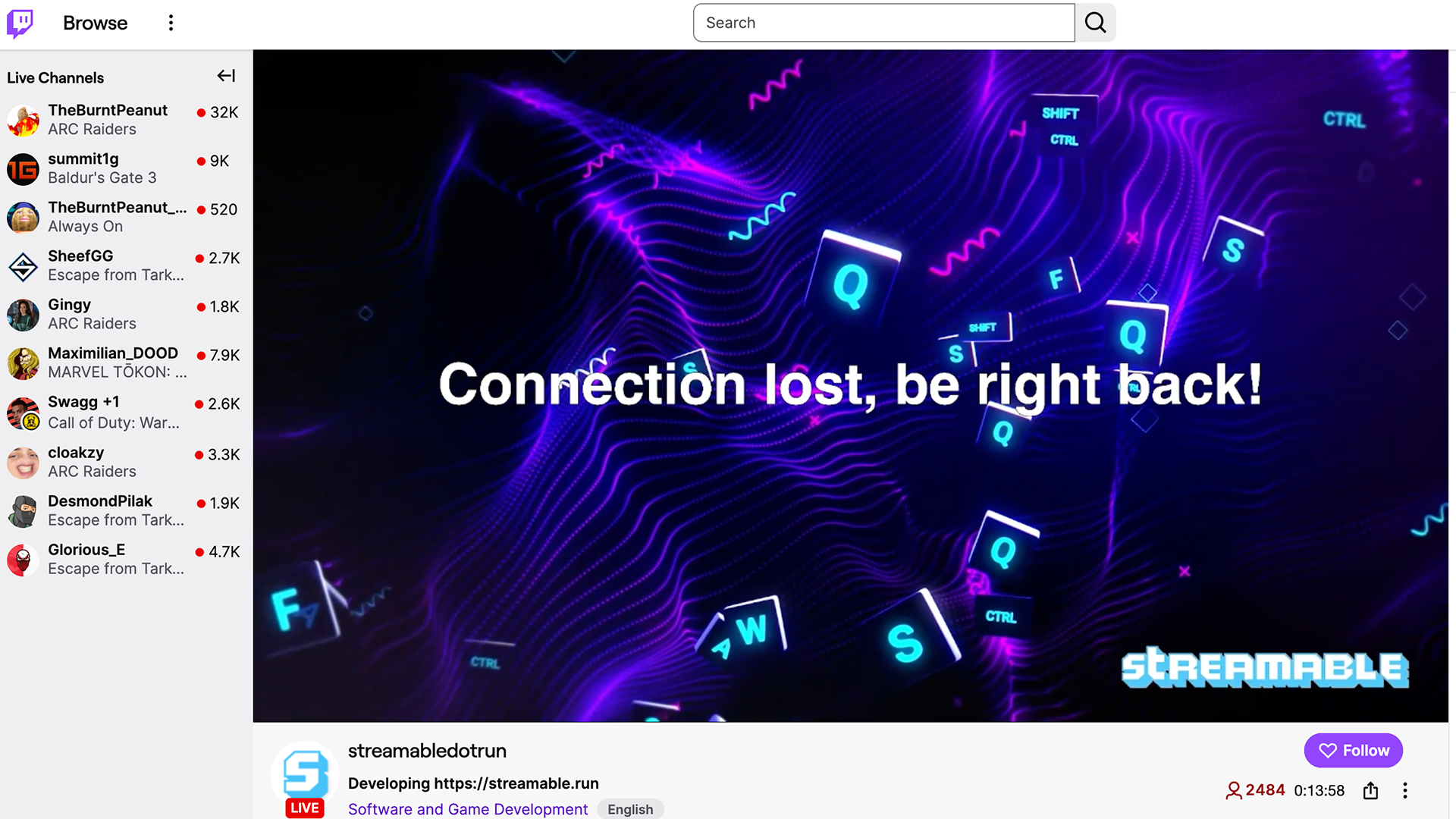
Step 4:Switch to BRB before the audience sees panic
The fallback scene should appear quickly and clearly. It should tell viewers the stream is reconnecting without making the streamer look lost.
If the fallback scene is not ready, build it before the real stream.
Step 5:Reconnect and return to program
Bring the phone source back. Confirm audio, motion, and sync. Then return to the live scene.
Write down the recovery order. The test is not complete until you can repeat the recovery calmly.
Are you an IRL streamer? Give Streamable a try!
Let Streamable help you never IRL stream with issues again! Here's how we can help:
- Premium Cloud Streaming Servers
- 100% Stream Drop Protection with Clips Player
- Multiple Ingests, Switch scenes without pausing stream
- Collaborative Streaming / Share Ingests with Friend Requests
- Remote Control OBS
- DDoS protection
- much, much more!
Follow us on Social Media
Follow along for updates and tips:



Optional: Deep-Dive FAQ
Open only if you still need extra troubleshooting context.
What is stream failover?
Failover is what happens when the main live source fails and the broadcast switches to a fallback scene or backup source instead of ending immediately.
How often should I test failover?
Test it before important streams, after changing ingest settings, and whenever you add a new phone app, destination, or scene setup.
What should a failover scene say?
Keep it simple: the stream is reconnecting, stay here, and the show will be back shortly.