Blog
How to Keep Your IRL Stream Live When Phone Signal Drops
Keep an IRL livestream online through weak phone signal, reconnects, tower congestion, and dead zones by using Cloud Hosted OBS, fallback scenes, realistic bitrate, and mobile ingest testing.
Written by Brenton Nguyen
The goal is not perfect signal
Perfect mobile signal is not a plan. If you stream outside long enough, your phone will hit a weak tower, a crowded event, a tunnel, a hot day, or a building that destroys upload.
The real goal is to make a signal drop survivable. Viewers should see a clean fallback scene while the phone reconnects, then return to the live camera without finding a new broadcast.
Step 1:Stop making the phone the final broadcaster
When your phone streams directly to Twitch, Kick, or YouTube, the phone is not just a camera. It is the encoder the platform depends on. If that connection disappears for long enough, the platform can treat the stream as over.
Instead, send the phone into Cloud Hosted OBS. The cloud server should be the final broadcaster. The phone becomes an input that can disappear and return without owning the whole live session.
Step 2:Create a fallback scene before going live
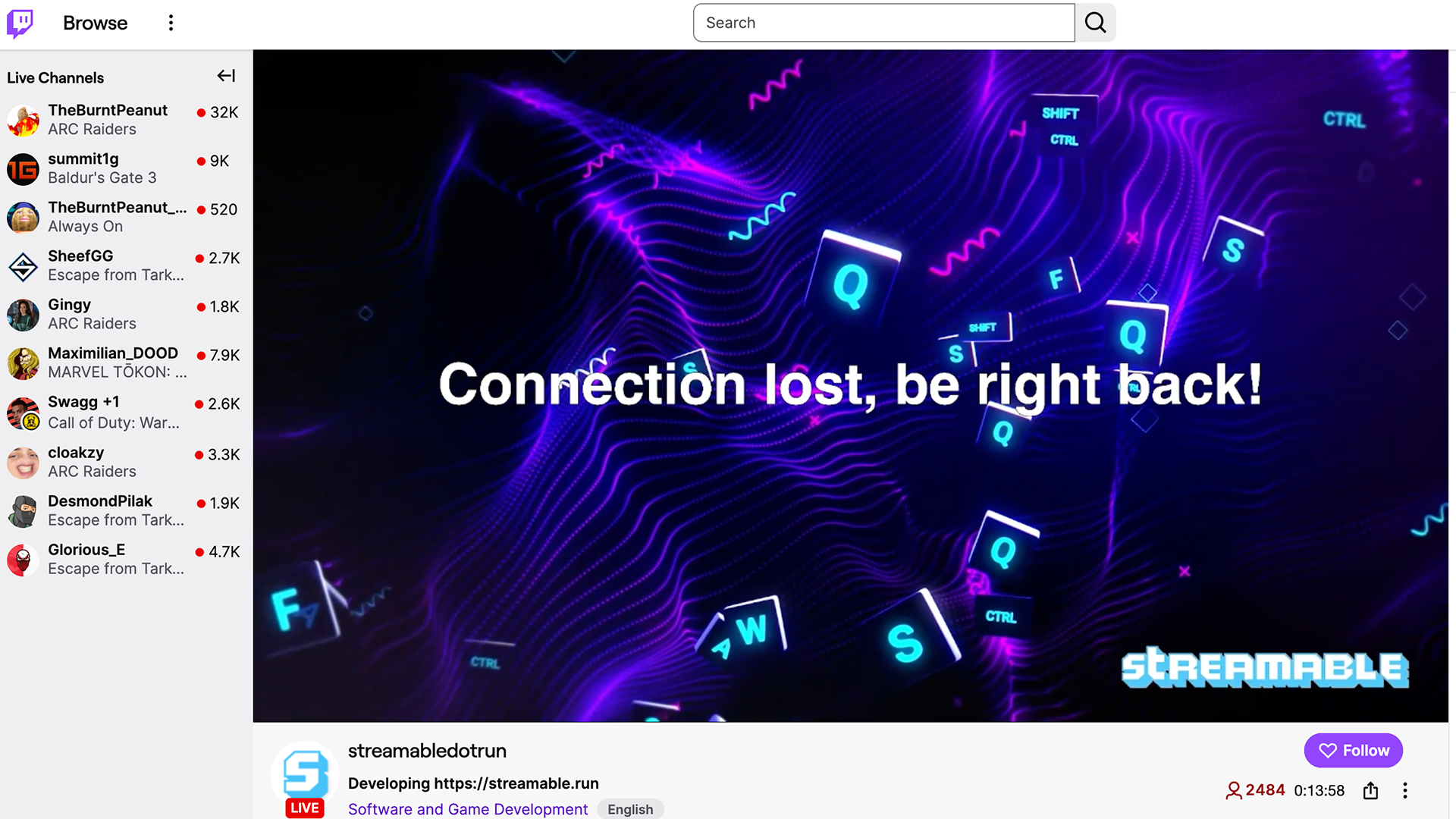
A fallback scene is not decoration. It is the part of the stream that catches the fall.
Build a BRB scene, reconnecting scene, offline scene, or clips player and test it before the stream. If you wait until the phone is already dropping packets, you will be trying to design a safety net while falling.
Step 3:Use a mobile-friendly ingest path
If your app and server support SRTLA, use it for serious IRL streaming. If not, use SRT when available. RTMP can work, but it is usually the less forgiving option when upload is changing every block.
The protocol is only one layer. It gives the mobile leg a better chance, but the larger protection still comes from the cloud server staying live after the phone feed drops.
Step 4:Lower bitrate before the network forces you to
Bitrate is where a lot of IRL streams get stubborn. A route that can briefly upload 10 Mbps does not mean it can hold a 7 Mbps stream while walking, turning corners, and moving between towers.
Leave headroom. For many IRL streams, a stable 720p30 feed at a realistic bitrate is better than a fragile 1080p60 feed that collapses every time the environment changes.
- Use 2,000 to 3,500 kbps for many 720p30 mobile streams.
- Only push higher when the route has proven stable upload.
- Reduce bitrate before entering known dead zones, busy venues, tunnels, or indoor areas.
Step 5:Practice the reconnect
Do not wait for a real stream to learn how your setup behaves. Run a private test, start the cloud server, connect the phone, then interrupt the phone feed.
The test passes when the cloud stream stays online, the fallback appears, and the phone feed returns without creating a new stream. If the platform shows an ended broadcast, your architecture still needs work.
Step 6:Give a moderator enough control to save the moment
The streamer is often the worst person to troubleshoot during an IRL signal drop. They are walking, filming, reading chat, talking, navigating, and trying not to make the outage awkward.
Give a trusted moderator or producer access to scene controls when possible. Their job is simple: watch the feed, switch to fallback when needed, and bring the live camera back when it is stable.
What to do when signal starts failing live
When bitrate starts falling or the phone app shows reconnect warnings, do the boring things quickly:
- Switch to the fallback scene before the feed fully dies.
- Move toward open air, a window, or a less crowded area.
- Stop moving for 15 to 30 seconds so the phone can settle on a stronger path.
- Lower bitrate if the app lets you change it safely.
- Cool the phone if it is hot, especially if it is charging in direct sun.
- Return to the live scene only after bitrate has been stable for a short moment.
Where Streamable fits
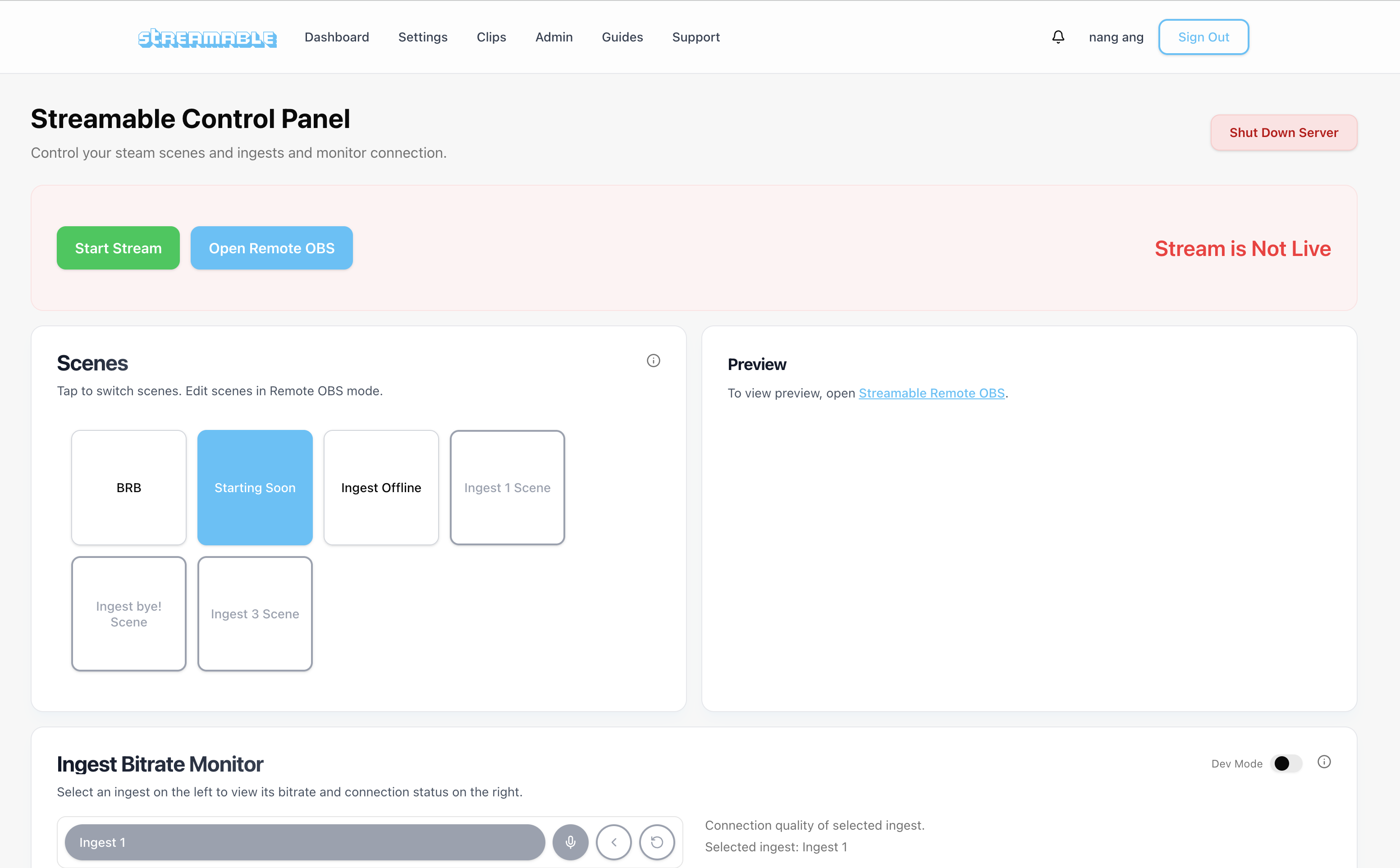
Streamable is built around this exact IRL problem. Your phone, Moblin, IRL Pro, local OBS, or hardware source sends video into Streamable. Streamable runs the cloud OBS layer, handles destinations, and gives you fallback options when the source disappears.
The practical result is simple: your phone can have a bad moment without ending the whole stream.
Go deeper
If you want the technical reasons mobile upload gets bad, read the mobile connectivity guide. If you want the broader architecture, read the Twitch and Kick setup guide.
Are you an IRL streamer? Give Streamable a try!
Let Streamable help you never IRL stream with issues again! Here's how we can help:
- Premium Cloud Streaming Servers
- 100% Stream Drop Protection with Clips Player
- Multiple Ingests, Switch scenes without pausing stream
- Collaborative Streaming / Share Ingests with Friend Requests
- Remote Control OBS
- DDoS protection
- much, much more!
Follow us on Social Media
Follow along for updates and tips:



Optional: Deep-Dive FAQ
Open only if you still need extra troubleshooting context.
How do I keep an IRL stream live when phone signal drops?
Send the phone into Cloud Hosted OBS instead of directly to the platform. The cloud server can keep the stream online with a fallback scene while the phone reconnects.
What should happen on stream when my phone disconnects?
Viewers should see a BRB, offline, reconnecting, or clips scene. They should not be sent to an ended broadcast unless the cloud server itself stops.
Will SRTLA stop my stream from dropping?
SRTLA can improve the mobile ingest path when supported, but it does not replace a cloud fallback. Use SRTLA or SRT with Cloud Hosted OBS, realistic bitrate, and a tested fallback scene.
What bitrate should I use for IRL streaming?
Use a bitrate your route can sustain with headroom. Many 720p30 IRL streams are more stable around 2,000 to 3,500 kbps than a higher-quality stream that collapses in weak upload zones.
Can a moderator help prevent stream drops?
A moderator cannot fix mobile service, but they can switch to fallback quickly, watch bitrate, manage scenes, and bring the live feed back when the connection stabilizes.