Blog
Stream Drop Protection and Clips Player: Keep Viewers There When IRL Signal Dies
Use Streamable's drop protection and clips player to keep an IRL stream alive through mobile disconnects, fallback scenes, reconnects, and viewer waiting time.
Written by Nang Ang
The real problem with a dropped IRL source
When an IRL phone loses connection, two things can happen. The camera feed can disappear for a moment, or the entire platform stream can end. Those are very different problems.
Drop protection is about keeping the broadcast session alive while the mobile source recovers. The clips player gives viewers something intentional to watch instead of a dead frame, spinning loader, or panic scene.
Why a clips player works better than a blank BRB
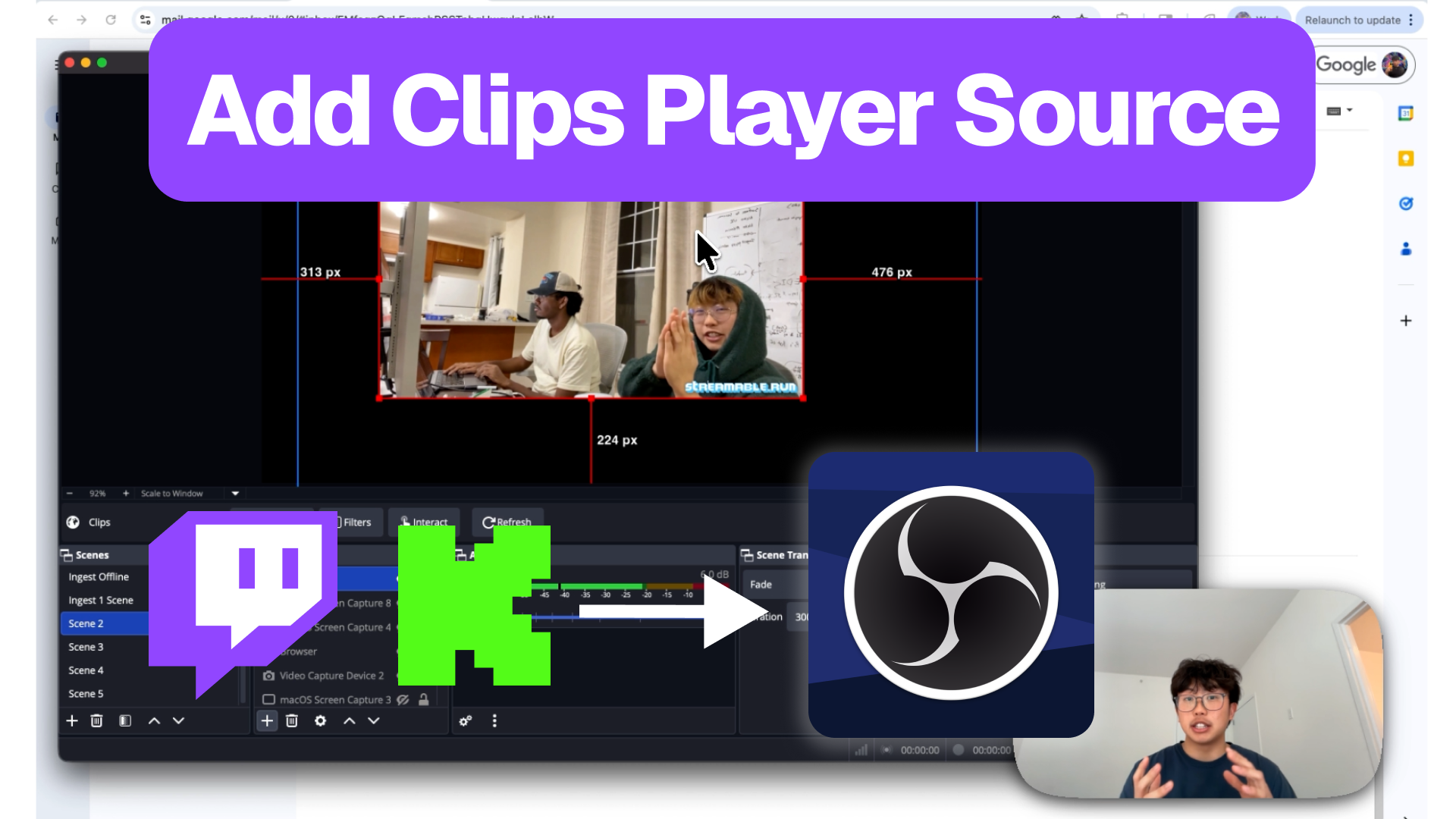
A normal BRB screen tells viewers to wait. A clips player gives them a reason to stay. For creator streams, that matters because the best viewer retention tool is not always a technical graph. Sometimes it is a funny highlight from last week.
Use clips that represent the stream well. If a new viewer lands during a reconnect, the clips player should make them understand why the stream is worth waiting for.
Build the recovery sequence
Do not wait for the first real disconnect to invent the recovery flow. Decide the order now: detect source issue, switch to clips or BRB, verify the platform stream is still alive, reconnect the source, check audio, then return to program.
That sequence should be simple enough for a moderator to run while the streamer is still moving.
- Clips scene for short mobile drops.
- BRB scene for privacy, batteries, and longer recovery.
- Moderator check from a viewer account.
- Audio check before switching back.
- Return to program only when the source is stable.
What drop protection cannot fix
Drop protection has limits. It cannot make a dead phone upload video. It cannot fix a platform outage. It cannot stop a stream from having a bad viewer experience if the fallback scene is ugly, silent, or confusing.
The point is to preserve the show while the source recovers. You still need realistic bitrate, a tested phone app, and a fallback scene that looks deliberate.
Test it before viewers test it for you
Run a private test where you intentionally interrupt the phone feed and confirm the clips player appears while the platform stream remains live. Then reconnect and return to the main scene.
If that test feels clumsy, fix the workflow before you take it outside.
Are you an IRL streamer? Give Streamable a try!
Let Streamable help you never IRL stream with issues again! Here's how we can help:
- Premium Cloud Streaming Servers
- 100% Stream Drop Protection with Clips Player
- Multiple Ingests, Switch scenes without pausing stream
- Collaborative Streaming / Share Ingests with Friend Requests
- Remote Control OBS
- DDoS protection
- much, much more!
Follow us on Social Media
Follow along for updates and tips:



Optional: Deep-Dive FAQ
Open only if you still need extra troubleshooting context.
What is stream drop protection?
Stream drop protection keeps the broadcast session alive when the live source disconnects, so viewers are not immediately kicked out of the stream.
Why use a clips player during reconnects?
A clips player gives viewers highlights to watch while the streamer reconnects, which is usually better than a static technical difficulty screen.
Can drop protection fix bad mobile signal?
No. It protects the broadcast experience while the source recovers. You still need sensible bitrate, tested mobile ingest, and good fallback scenes.