Blog
IRL Streaming Safety and Privacy Checklist for Creators
A practical safety and privacy checklist for IRL streamers: location delay, private information, bystanders, moderation, route planning, and emergency fallback scenes.
Written by Manav Bokinala
Safety is part of production
IRL streaming turns the real world into the set. That means production decisions become safety decisions: latency, route choice, moderation, camera direction, chat visibility, and whether viewers can infer where you are.
This is not about making IRL boring. It is about making sure the stream can keep being fun tomorrow.
Do not leak your own location for free
Be careful with street signs, hotel lobbies, apartment buildings, rideshare screens, receipts, license plates, badges, boarding passes, and delivery labels. The problem is not one frame. The problem is chat replaying and screenshotting every clue.
If you need real-time interaction, use it intentionally. If not, a little delay can be a safety tool.
- Start the stream away from your home or hotel.
- Do not show the route before you are ready to leave.
- Use BRB while entering private locations.
- Have a moderator call out privacy leaks immediately.
- Do not read personal messages or payment screens on camera.
Bystanders are not props
Public filming laws vary, but a good stream is not just about what is technically allowed. Avoid focusing on strangers who clearly do not want to be filmed. Be extra careful around children, medical situations, arguments, private conversations, and people working customer-facing jobs.
If a moment feels questionable, switch to a safe angle or BRB scene. The audience does not need every second.
Give moderators a safety role
A safety moderator watches different things than a chat moderator. They look for visible addresses, route clues, harassment attempts, unsafe dares, and chat behavior that could pull the streamer into a bad decision.
Give that moderator permission to be direct. 'Turn camera down' is better than a polite paragraph after the leak already happened.
Build safety scenes
Create a BRB scene, a technical difficulty scene, and a neutral audio-only or camera-down scene. Put them in Streamable before the stream starts.
When something gets weird, the streamer should not have to decide between ending the stream and showing too much. A prepared scene gives them a third option.
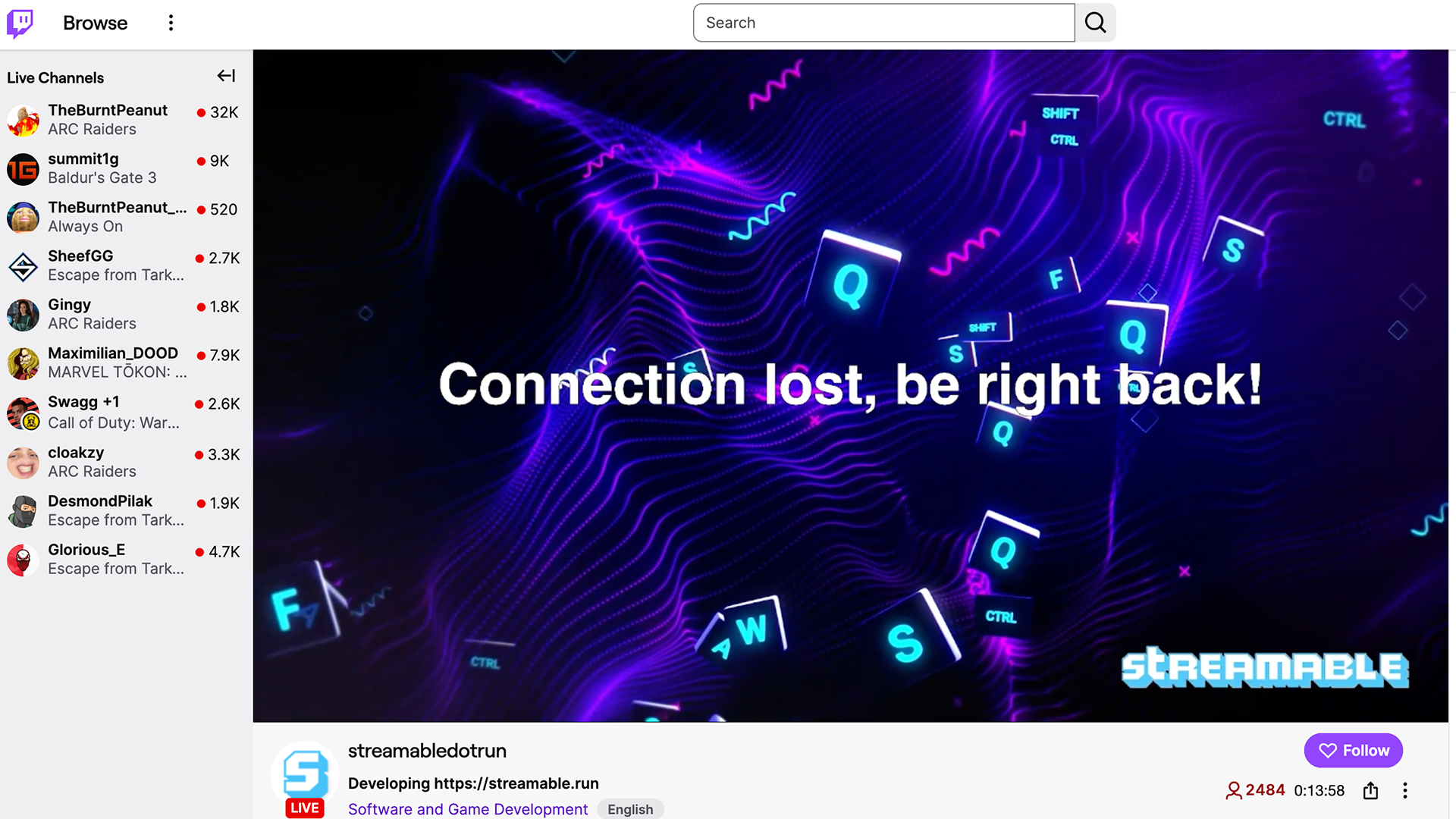
Are you an IRL streamer? Give Streamable a try!
Let Streamable help you never IRL stream with issues again! Here's how we can help:
- Premium Cloud Streaming Servers
- 100% Stream Drop Protection with Clips Player
- Multiple Ingests, Switch scenes without pausing stream
- Collaborative Streaming / Share Ingests with Friend Requests
- Remote Control OBS
- DDoS protection
- much, much more!
Follow us on Social Media
Follow along for updates and tips:



Optional: Deep-Dive FAQ
Open only if you still need extra troubleshooting context.
Should IRL streamers use stream delay?
Use delay when real-time location creates risk. Lower latency is better for chat interaction, but safety matters more than instant replies.
What should I hide on an IRL stream?
Hide addresses, hotel names, receipts, screens, tickets, license plates, private messages, and anything that identifies where you live or sleep.
How can a moderator help with IRL safety?
They can watch for privacy leaks, unsafe chat suggestions, route clues, and moments where the streamer should switch to BRB.